
Free SEO Tools for Website Analysis
This guide compares popular SEO crawler tools available for Windows, including free desktop software and professional auditing platforms used for technical website analysis.
Search engine optimisation is often associated with keywords and content, but behind every successful website is strong technical structure. Before search engines can rank pages, they first need to discover, crawl, and understand them — and that process is where SEO software becomes essential.
If you are searching for an SEO software download for Windows, you are likely trying to analyse a website, diagnose technical issues, or understand how search engines see your pages. Desktop SEO crawler tools make this possible by scanning websites automatically and presenting technical data in a way that humans can actually interpret.
This guide explains how SEO crawler software works, why crawling matters for SEO, and which tools — both free and professional — are commonly used today.
Who this guide is for
If you’ve searched for SEO software to download, you’re probably trying to solve a specific problem rather than just learn theory.
This guide is particularly useful if you:
- want to analyse a website’s technical SEO health
- need a website crawler to check links, redirects, or metadata
- are looking for a free SEO crawler for Windows
- want to understand how search engines actually crawl your site
- are comparing tools like Screaming Frog, Sitebulb, or other SEO spider software
Whether you manage your own website, build sites for clients, or are simply learning technical SEO, downloading and using a crawler tool is often the fastest way to understand what is happening behind the scenes.
If you’re completely new to SEO crawling, don’t worry — the sections below explain everything step by step.
What is SEO software?
SEO software refers to tools designed to analyse websites from a search engine’s perspective. Rather than viewing pages visually like a normal visitor, SEO tools behave more like a website crawler, systematically following links and collecting information about every page they encounter.
This process, often called SEO crawling, mirrors how search engine bots operate. The software starts from a single URL and moves through internal links, building a map of the website’s structure along the way.
During a crawl, an SEO spider tool can uncover issues that are almost impossible to spot manually. For example, a site might appear to work perfectly when browsing normally, yet contain hundreds of broken internal links or redirect chains hidden deeper within the structure.
Typical problems discovered during crawling include:
During a crawl, software commonly discovers issues such as pages returning error responses, duplicated or missing titles, inefficient redirects, orphaned pages that search engines struggle to reach, and inconsistent internal linking patterns. These problems are rarely visible during normal browsing but can significantly affect how search engines interpret a site.
Understanding these issues helps website owners see their site the way Google does — which is often very different from how it appears visually.
Why SEO crawler tools matter for modern websites
Search engines rely entirely on automated crawling systems. If a crawler cannot access or interpret parts of a website efficiently, those pages may never rank well regardless of how good the content is.
This is why technical SEO has become increasingly important. A well-structured website allows search engines to move through pages efficiently, understand relationships between content, and index updates faster.
Running a regular crawl using SEO software helps uncover structural problems early. For example, after a website redesign, internal links frequently change without being updated everywhere. A crawler immediately highlights these issues, preventing long-term indexing problems.
Even smaller websites benefit from crawling. Blogs, business websites, and ecommerce stores often accumulate technical issues gradually through plugin updates, theme changes, or content edits. Regular analysis keeps these problems manageable before they impact visibility.
In short, crawler tools turn technical SEO from guesswork into measurable data.
Desktop SEO software vs cloud SEO platforms
Over the past decade, many SEO tools have moved into cloud-based platforms. Services like Ahrefs and Semrush provide powerful dashboards accessible through a browser, but desktop crawler tools still remain widely used — particularly among developers and technical SEO users.
Desktop SEO software runs directly on your computer, which changes how analysis works. Instead of sending crawl requests through external servers, the software uses your own system resources. This often results in faster crawling speeds and greater control over how websites are analysed.
For Windows users especially, desktop crawlers provide a straightforward workflow. You install the software, enter a URL, and begin analysing immediately without needing subscriptions or account setup for basic functionality.
Cloud tools are excellent for ongoing monitoring and reporting, while desktop crawlers excel at deep technical inspections. Many professionals use both together rather than choosing one over the other.
Free and paid SEO software you can download for Windows
The SEO crawler landscape includes a mix of lightweight free tools, professional desktop software, and enterprise-level platforms. Each serves a slightly different purpose depending on experience level and project size.
Below are some of the most recognised SEO crawler tools currently available.
Screaming Frog SEO Spider
Screaming Frog SEO Spider is one of the most established desktop SEO crawlers and is often the first tool people encounter when learning technical SEO.
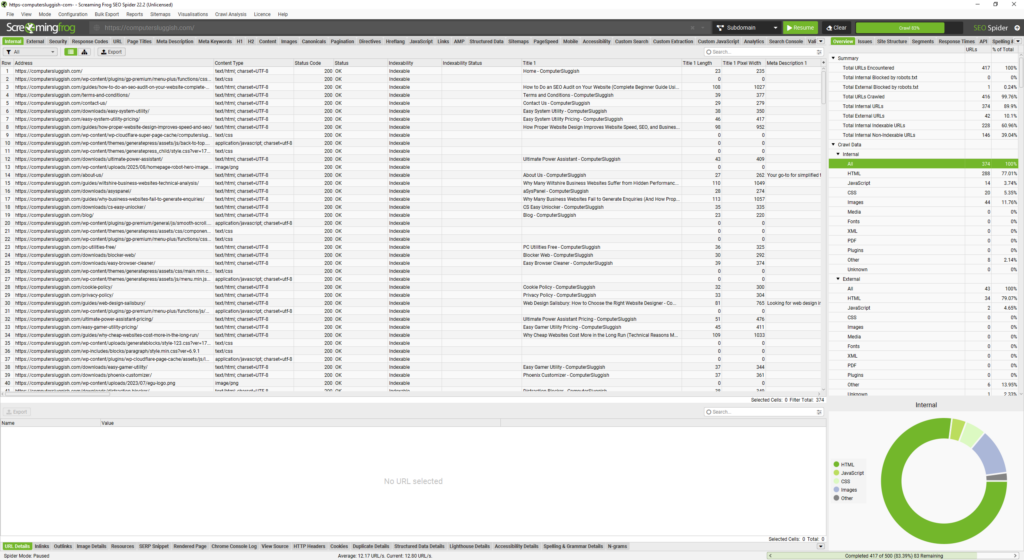
The software scans websites in detail, collecting information about URLs, metadata, redirects, and internal linking. Because of its flexibility, it is widely used for technical audits, migrations, and troubleshooting indexing issues.
Many SEO professionals rely on Screaming Frog because it exposes raw technical data clearly, allowing deeper investigation into how a website is structured. The free version allows smaller crawls, while the paid licence unlocks additional functionality for larger projects.
Website: https://www.screamingfrog.co.uk/seo-spider/
CrawlRhino SEO Crawler
CrawlRhino SEO Crawler is a desktop SEO crawler built specifically for Windows environments. It focuses on practical website analysis and fast local crawling performance, while continuing to expand with more advanced features and workflow capabilities over time. The aim is to provide both an accessible starting point for technical SEO and a scalable tool suitable for more complex analysis as user needs grow.
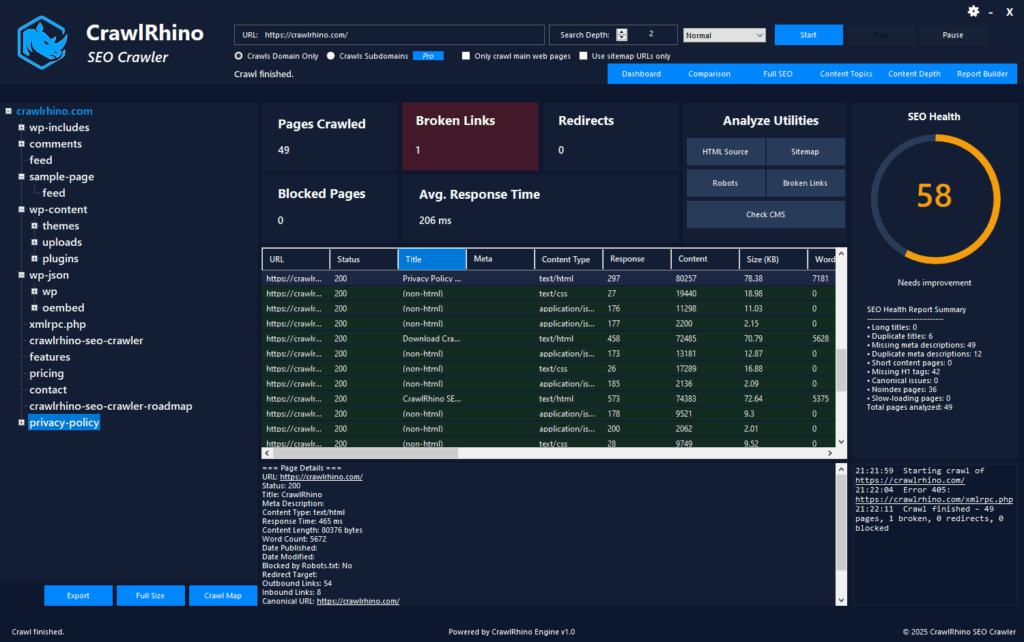
The software analyses technical elements such as response codes, internal links, metadata, and crawl depth, helping users quickly understand structural issues affecting their website.
Because crawling takes place locally, performance depends on available system resources rather than remote servers. This approach makes it particularly useful for developers, website owners, and users who prefer desktop-based analysis tools.
Download CrawlRhino here: https://crawlrhino.com/crawlrhino-seo-crawler/
Sitebulb
Sitebulb takes a slightly different approach to SEO crawling by focusing heavily on visual reporting and guided audits. Instead of presenting large tables of raw technical data, it interprets crawl results and highlights potential problems automatically, helping users prioritise fixes more easily.
This approach makes it particularly popular among agencies and consultants who need structured reports for clients rather than purely technical datasets. Features such as crawl visualisations, audit hints, and detailed reporting workflows are designed to simplify complex technical analysis.
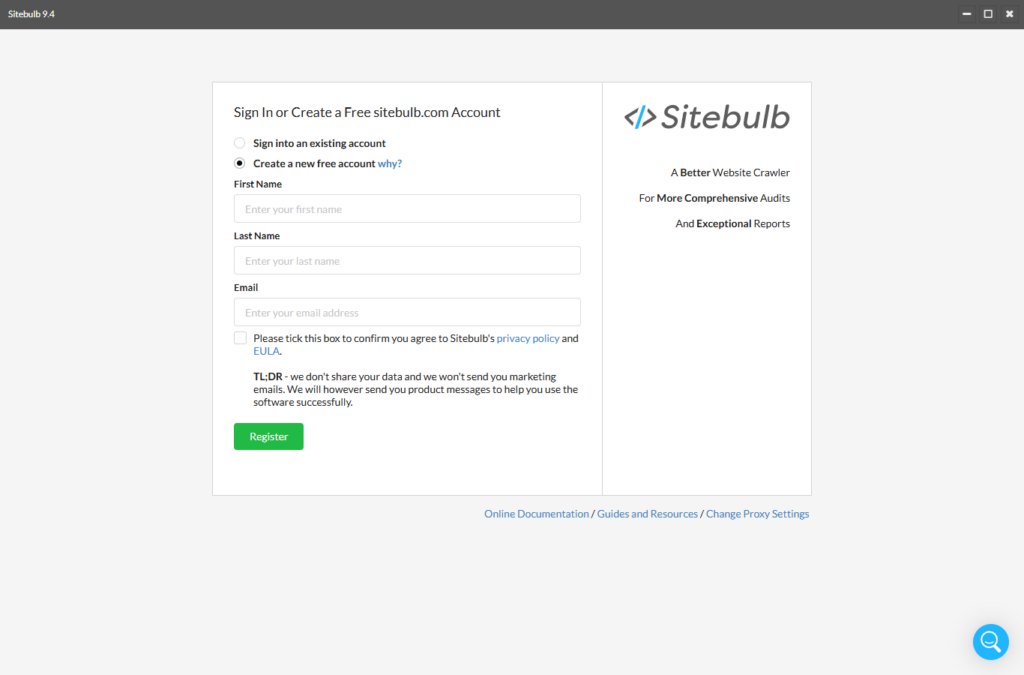
Sitebulb operates on a subscription model and requires users to create an account to access and run crawls. Because of its reporting-focused design and pricing structure, it is generally positioned as a professional auditing solution for ongoing SEO work.
Website: https://sitebulb.com/
BeamUsUp SEO Spider
BeamUsUp is a lightweight website crawler that has existed for many years and is still referenced in discussions about free SEO spider tools. While development updates have slowed, it remains useful for understanding the basics of website crawling.
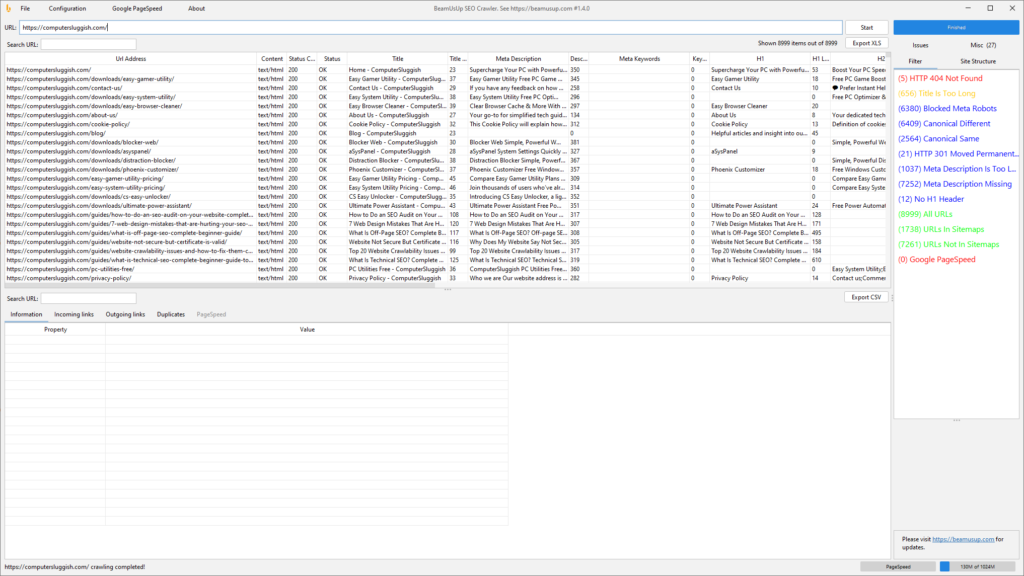
Its simplicity makes it approachable for beginners experimenting with technical SEO concepts.
Website: https://beamusup.com/
Ahrefs Site Audit
Ahrefs includes a site auditing feature as part of its broader SEO platform, combining website crawling with backlink analysis, keyword research, and performance tracking within a single dashboard.
Unlike desktop crawler tools, audits are performed through Ahrefs’ cloud infrastructure. To use the Site Audit feature on free plans, users must first verify ownership of their website. This can be done by connecting Google Search Console, uploading a verification file, or adding a DNS or meta tag verification.
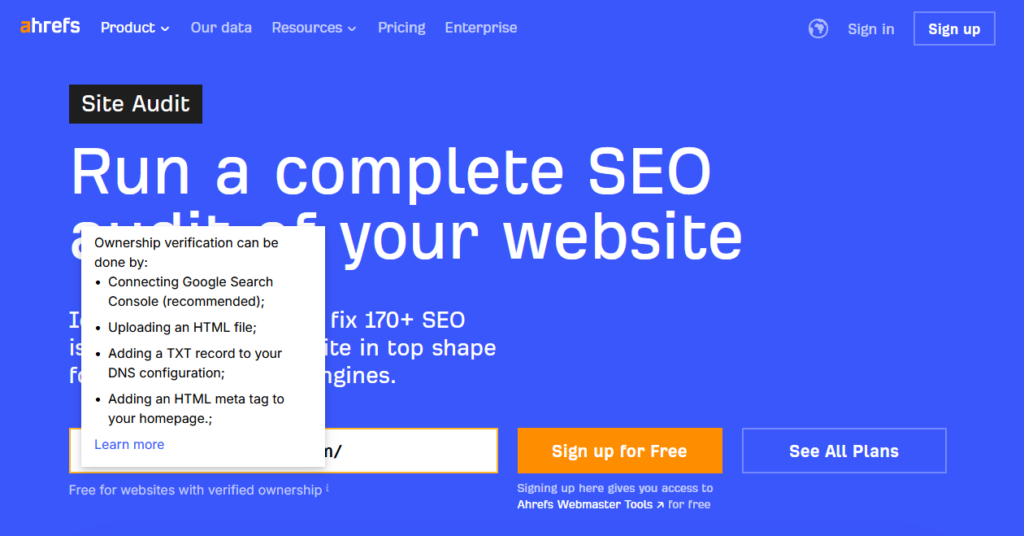
Because audits are performed through Ahrefs’ cloud platform, users need to verify their website before running scans. This allows projects to be tracked over time and connected with other Ahrefs features such as backlink and keyword data. The platform is therefore often used for ongoing SEO monitoring rather than one-off technical crawls.
Website: https://ahrefs.com/
Semrush Site Audit
Semrush provides a cloud-based site auditing system alongside keyword research and competitive analysis tools. Rather than running locally, crawls are performed through your Semrush account, allowing projects to be monitored over time and audited automatically.
Because the platform operates entirely online, audits require account setup and project configuration before scanning begins. In some cases, users may encounter setup limitations or audit launch errors depending on account permissions, crawl limits, or temporary platform issues — something that can occasionally happen with cloud-based SEO tools.
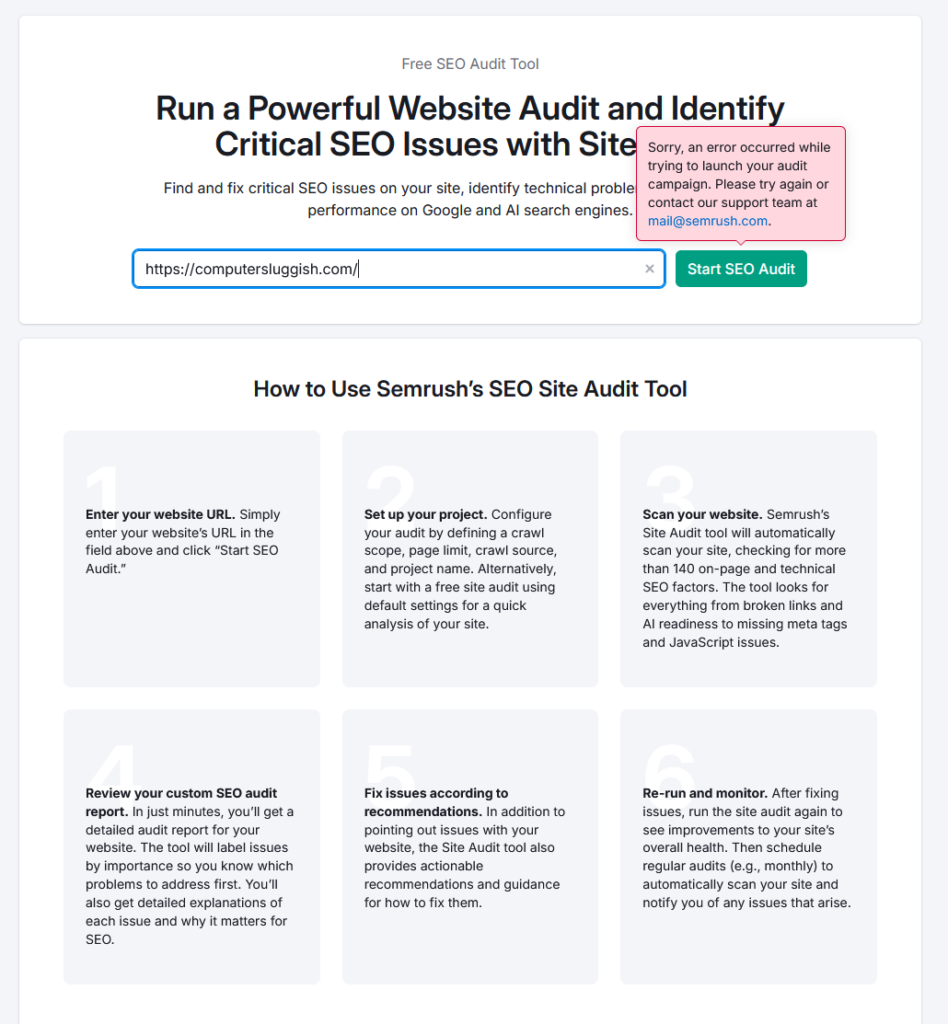
Despite this, Semrush remains widely used for ongoing monitoring and reporting, particularly for agencies managing multiple websites within a single dashboard.
Website: https://www.semrush.com/
How to choose the right SEO crawler
Choosing SEO software is less about finding the “best” tool and more about selecting one that fits your workflow.
A small business owner performing occasional checks may prefer a lightweight desktop crawler, while agencies handling large client websites may benefit from automated reporting and cloud integrations.
Key considerations include website size, technical experience, frequency of analysis, and how detailed reporting needs to be. In many cases, users begin with free crawler tools and gradually adopt more advanced platforms as requirements grow.
When should you download SEO software?
SEO crawler tools become especially useful during moments of change. Launching a new website, redesigning page layouts, or migrating domains can introduce hidden technical issues that affect indexing.
They are also valuable when rankings change unexpectedly. A crawl can quickly reveal broken links, missing pages, or redirect problems that might otherwise go unnoticed.
Even without major changes, running periodic crawls helps maintain long-term website health and prevents small issues from accumulating over time.
Getting started with an SEO spider tool
Using an SEO spider tool is usually straightforward. After installing the software, you enter a website URL and start the crawl. The tool then follows links automatically, building a technical overview of the entire site.
The real value comes from interpreting the results. Reviewing response codes, metadata, and internal linking patterns provides insight into how search engines experience the website — often revealing optimisation opportunities that are not obvious from normal browsing.
Final thoughts
SEO software plays a central role in modern technical optimisation. By using crawler tools to analyse websites from a search engine perspective, users can uncover structural problems, improve crawl efficiency, and maintain stronger long-term visibility.
From lightweight desktop crawlers to enterprise auditing platforms, each tool serves a different purpose. The most important factor is consistency — regularly analysing a website ensures technical issues are identified early and performance remains stable over time.
Understanding how websites are crawled is one of the most valuable skills in SEO, and downloading a crawler tool is often the first practical step toward improving search performance.
Tools like CrawlRhino sit within the broader category of desktop SEO crawlers, providing direct technical analysis without requiring cloud setup or ongoing platform configuration.