
Practical Windows software that makes your PC easier to use
Clean unwanted files, improve gaming performance, manage your PC, block distractions and customise Windows with straightforward software from ComputerSluggish.
Popular Windows software
Choose from our main Windows applications for gaming, system maintenance, power management and unlocking files or folders. Free versions are available, with optional Pro features when you need more.
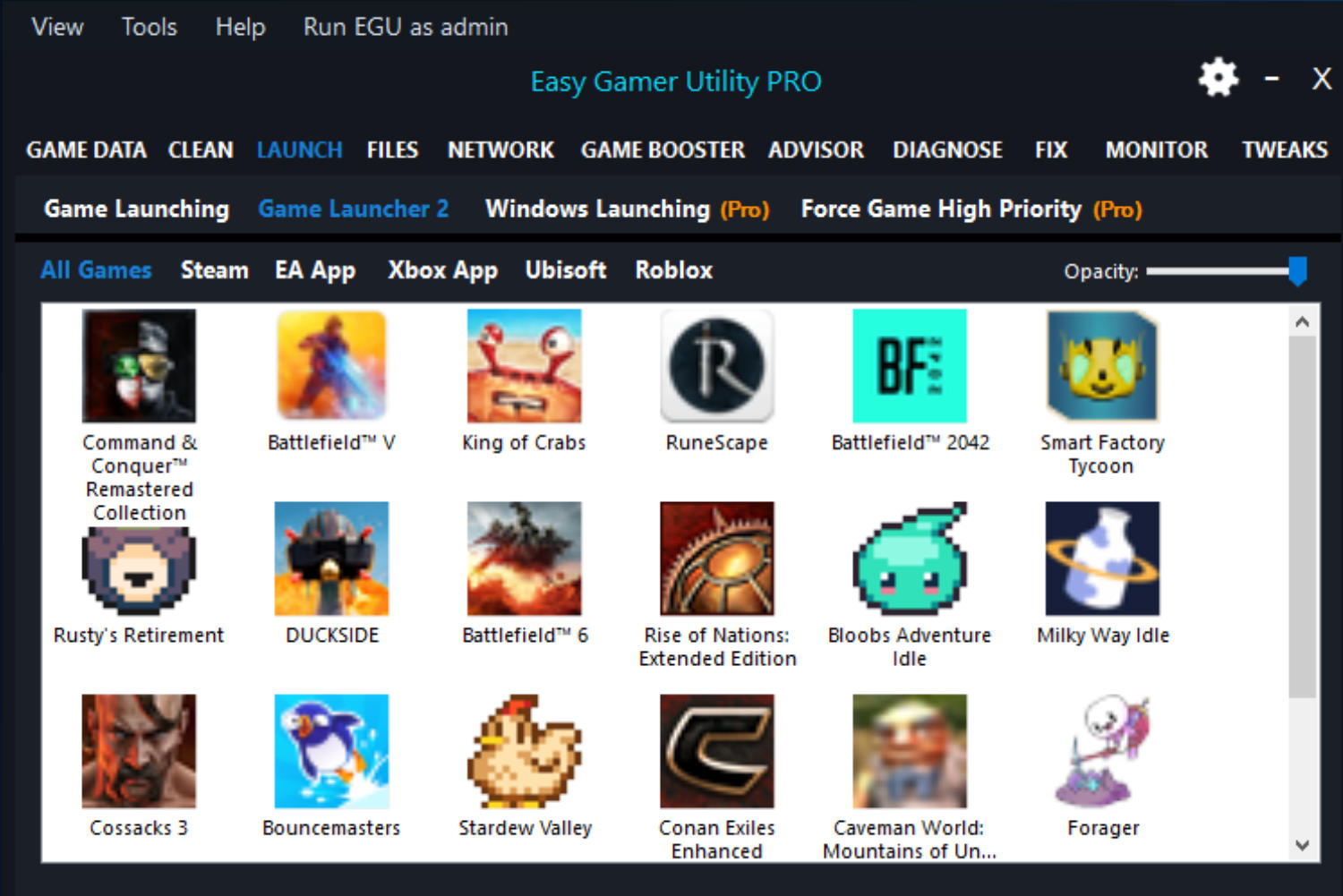
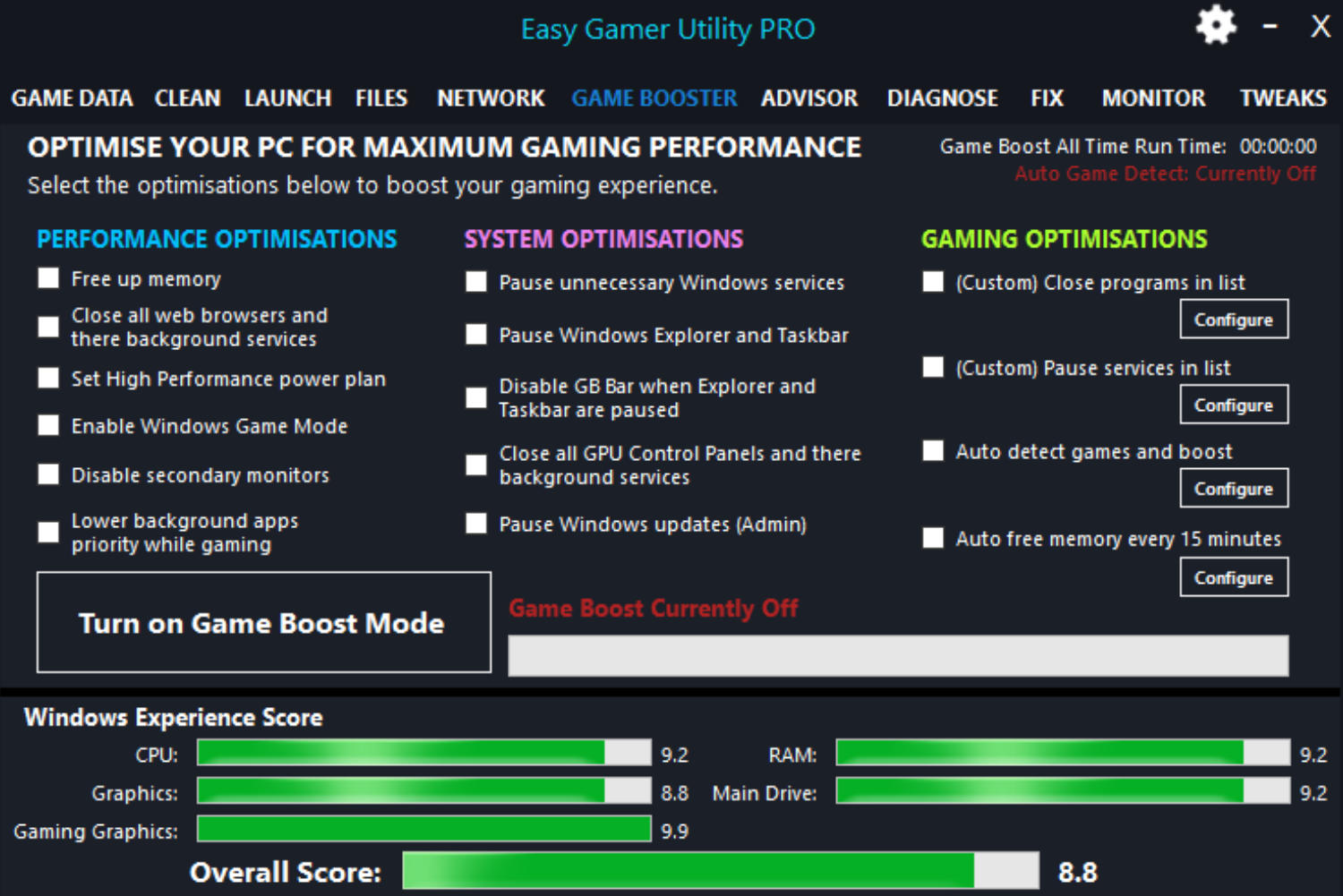
Easy Gamer Utility
Free and Pro versionsImprove gaming performance, find common PC gaming problems and access useful Windows gaming fixes from one straightforward application.
- Game Booster tools
- Gaming performance checks
- Windows gaming fixes
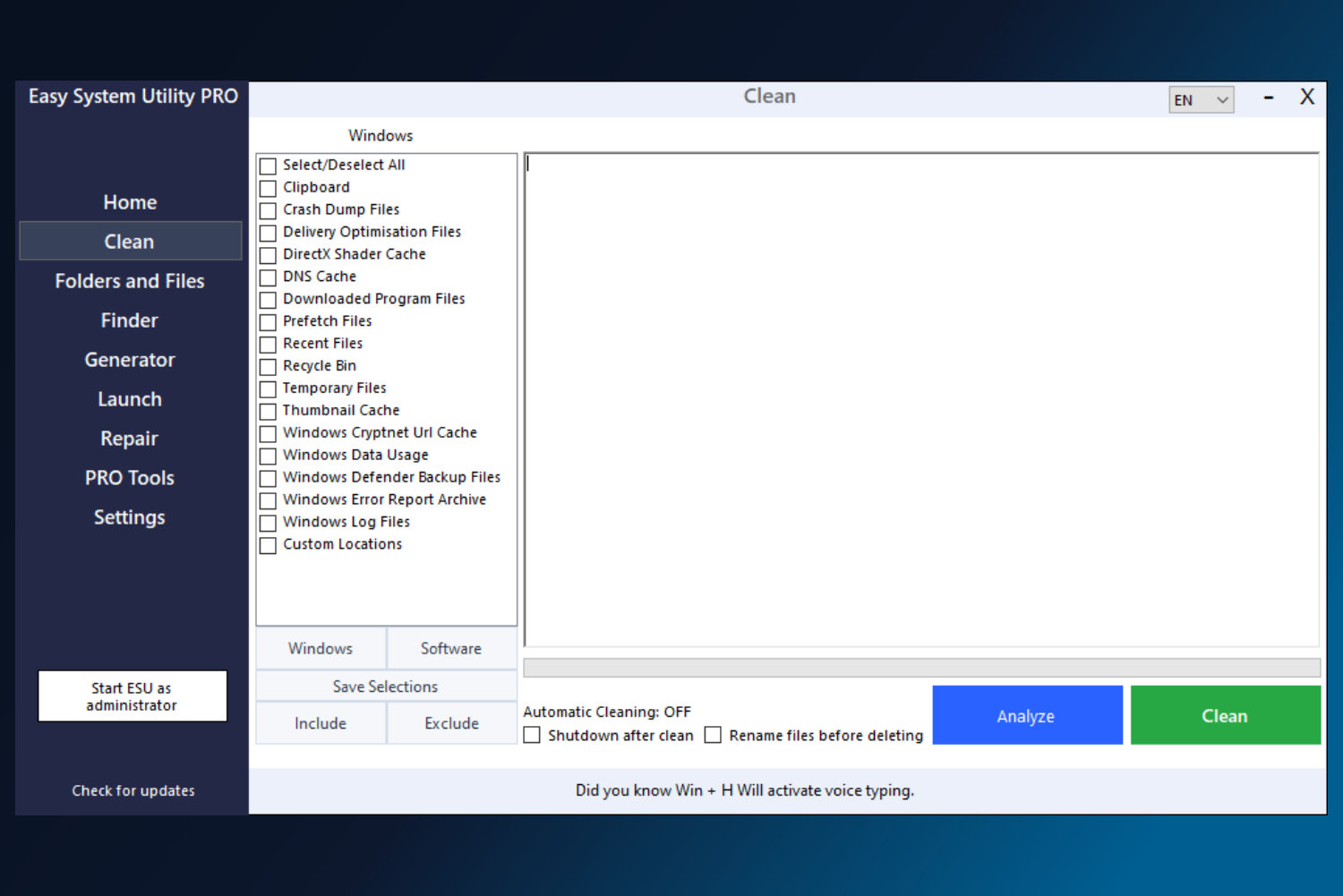
Easy System Utility
Free and Pro versionsClean unnecessary files, inspect storage usage and access useful Windows tools without searching through complicated system menus.
- Junk file cleaner
- Large file and folder finder
- Useful Windows tools
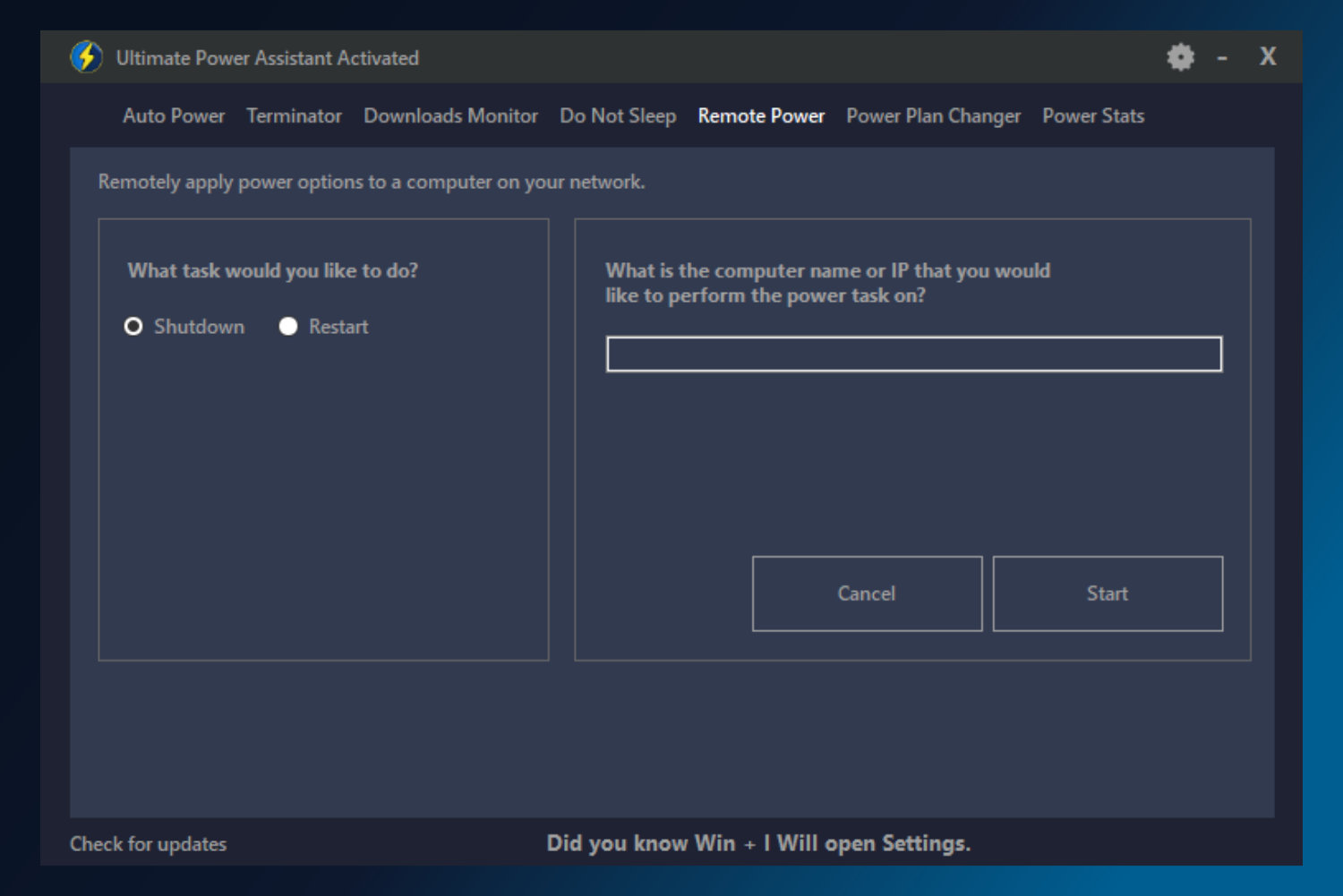
Ultimate Power Assistant
Free and Pro versionsManage Windows power settings, create automatic power rules and keep track of shutdown, restart and sleep activity on your PC.
- Automatic power rules
- Shutdown and restart schedules
- Power activity logs
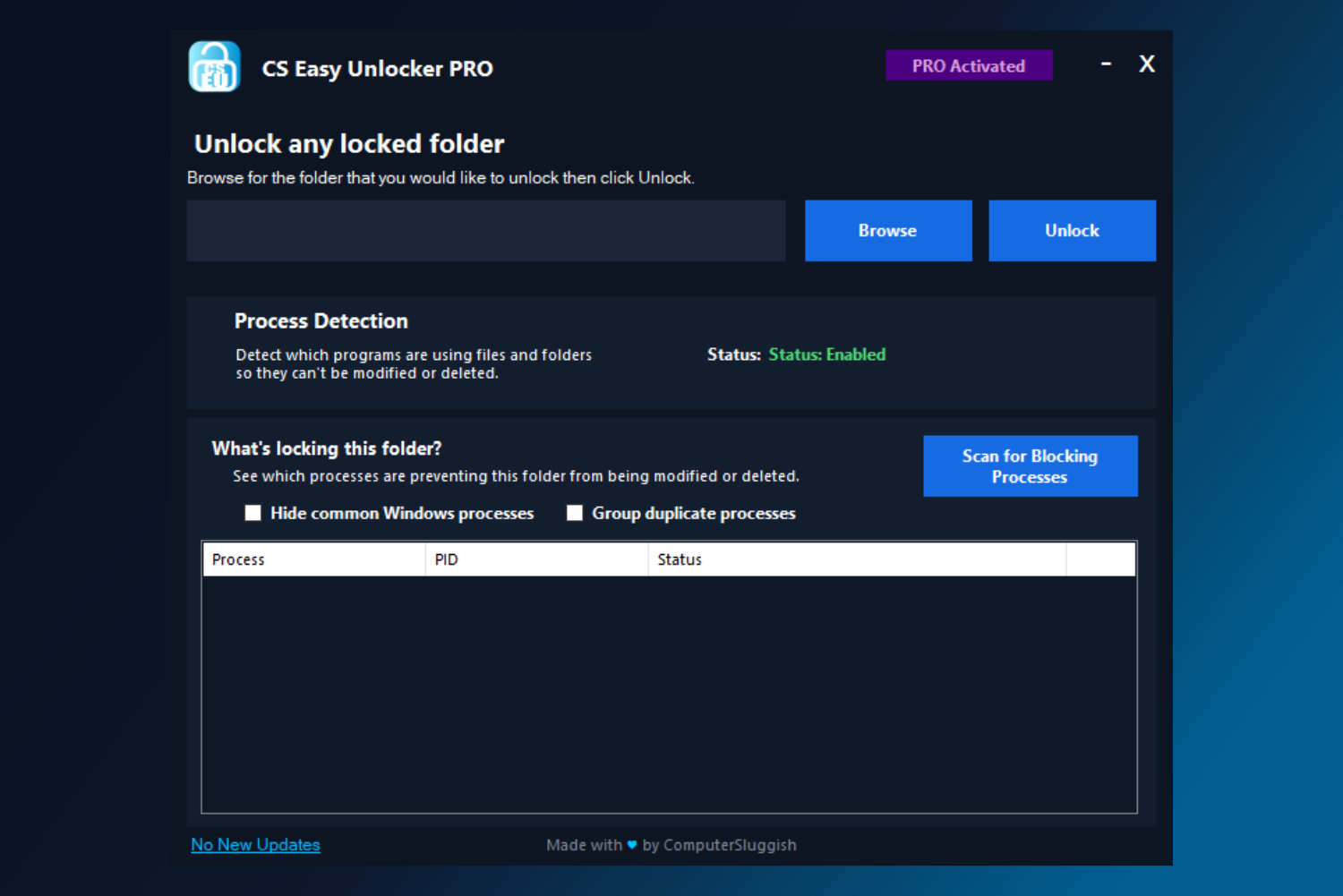
CS Easy Unlocker
Free and Pro versionsFind programs that are locking your files or folders, identify blocking processes and regain access when Windows says an item is currently in use.
- Unlock locked folders
- Detect blocking processes
- Clear and organised results
One simple plan for all your ComputerSluggish Pro software
Unlock the Pro versions of our main Windows applications without purchasing each product separately. Get access to the full current Pro+ collection for just £1.99 per month.
ComputerSluggish Pro+
Currently includes Pro access to:
More useful tools for your Windows PC
Block distracting websites and applications, or personalise the look of Windows with more software from ComputerSluggish.
Blocker Web
Block distracting, unwanted or inappropriate websites on your Windows PC using simple custom block lists.
- Block selected websites
- Create and manage block lists
- View blocking activity
Distraction Blocker
Block selected programs and reduce interruptions when you need to concentrate, work or spend less time in distracting applications.
- Block selected applications
- Create custom blocking rules
- Reduce unwanted interruptions
Phoenix Customizer
Personalise Windows folders, cursors, taskbar options and other visual settings from one easy-to-use customisation application.
- Custom folder icons
- Cursor customisation
- Taskbar and Windows options
CrawlRhino website auditing and monitoring tools
ComputerSluggish also develops CrawlRhino software to help website owners find technical SEO problems and keep track of important website changes.
CrawlRhino SEO Crawler
Crawl your website and find technical SEO issues, broken links, missing metadata and other problems that may affect search performance.
- Crawl website pages and links
- Find common technical SEO issues
- Review titles and descriptions
CrawlRhino SEO Monitor
Monitor important website pages and spot changes to titles, descriptions, headings and other on-page SEO details.
- Monitor important page changes
- Track SEO content updates
- Keep website checks organised
Smaller tools for quick everyday tasks
These lightweight utilities focus on one specific job, giving you a quick and simple way to access Windows tools, automate power actions or clean your web browser.
aSysPanel
Access Windows settings, Control Panel items, administrator tools and your own custom shortcuts from one convenient application.
AceShutdown
Schedule automatic shutdowns and other Windows power actions, including restart, sleep, hibernate and sign out.
Easy Browser Cleaner
Quickly clear browser cache, history, form data and other stored browsing information using a simple browser extension.
Get all included Pro applications with ComputerSluggish Pro+
Unlock the Pro versions of our main Windows software for just £1.99 per month, with one simple subscription that you can cancel anytime.