
Best SEO Crawlers That Support JavaScript Rendering
Modern websites rely heavily on JavaScript. Frameworks like React, Angular, and Vue allow developers to build fast and interactive sites, but they also create a challenge for SEO.
Many traditional crawlers only read the raw HTML of a page. If a website loads important content using JavaScript, those crawlers may miss it entirely. That can lead to incomplete audits where content, links, or metadata are simply invisible to the tool.
Because of this, JavaScript rendering has become an important feature in modern SEO crawlers. These tools are able to load a page like a browser, execute the scripts, and then analyse the fully rendered page.
Below are some of the best JavaScript SEO crawlers available today and what they are useful for.
What Is a JavaScript SEO Crawler

A JavaScript SEO crawler is a website crawler that can render pages before analysing them.
Instead of just downloading the raw HTML, the crawler loads the page in a headless browser environment and runs the JavaScript first. Once the page has fully rendered, the crawler can analyse things like:
- page content
- internal links
- metadata
- headings
- structured data
This helps reveal SEO issues that might be hidden when JavaScript is involved.
Why JavaScript Rendering Matters for SEO
Search engines like Google are able to process JavaScript, but they usually do it in stages.
First Google crawls the page. Then it renders the JavaScript later. This process can sometimes delay indexing or cause issues if important content only appears after scripts run.
If you rely on JavaScript for navigation, product listings, or page content, it’s important to test how the site looks both before and after rendering.
JavaScript SEO crawlers allow you to see the same difference.
CrawlRhino SEO Crawler
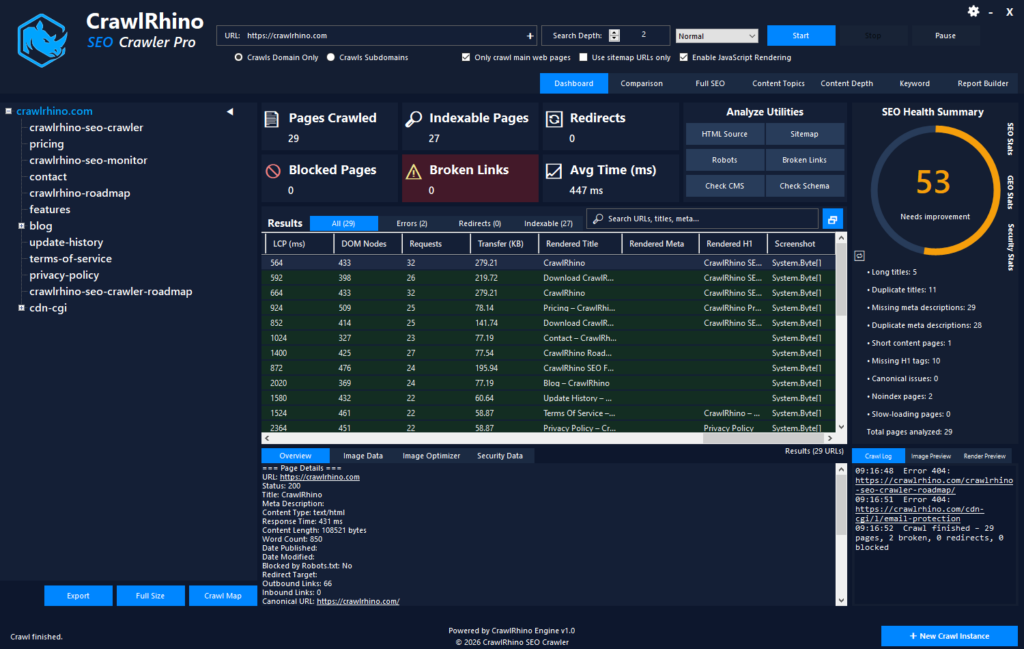
One JavaScript crawler worth mentioning is CrawlRhino SEO Crawler.
You can learn more about CrawlRhino SEO Crawler JavaScript rendering here:
CrawlRhino is a desktop crawler for Windows that includes JavaScript rendering, allowing it to analyse pages after scripts have executed.
What I personally like about testing with a tool like this is that you can run two crawls and compare the results.
First crawl the website normally to see what appears in the raw HTML.
Then enable JavaScript rendering and crawl again. This loads pages in a browser environment and allows the crawler to see the fully rendered version.
Sometimes the difference between those two crawls highlights issues that would otherwise be hard to spot.
For example you may discover:
- content only visible after scripts run
- navigation links created dynamically
- metadata injected with JavaScript
- pages that appear almost empty in the initial HTML
Testing a few rendered pages is often enough to see whether JavaScript is affecting how your site is crawled.
Screaming Frog SEO Spider
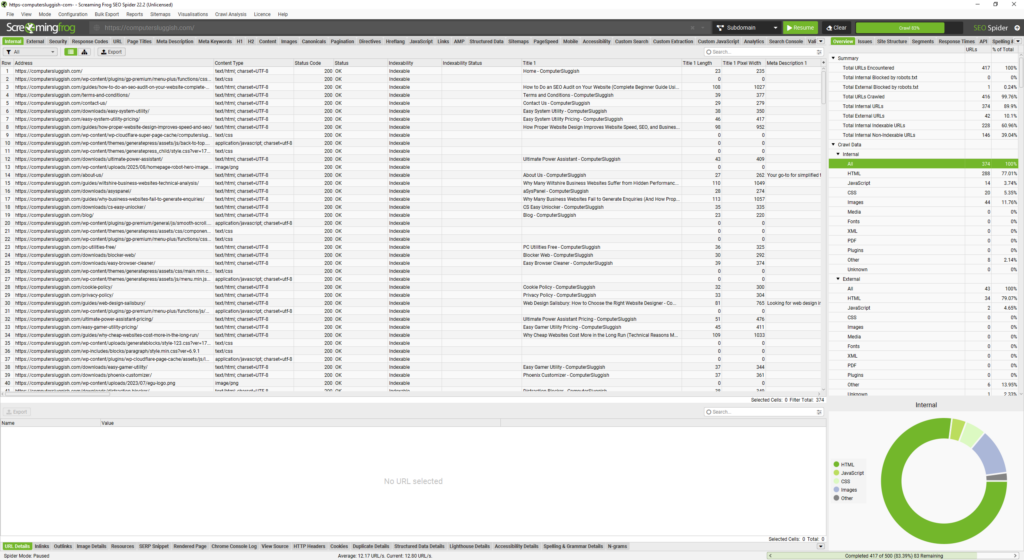
Screaming Frog SEO Spider is probably one of the best known SEO crawlers in the industry.
It includes a JavaScript rendering mode that uses Chromium to render pages before analysing them.
This makes it possible to crawl JavaScript-heavy websites and see how content appears once scripts have executed.
Screaming Frog is widely used by SEO professionals for technical audits and site analysis.
Sitebulb
Sitebulb is another crawler that supports JavaScript rendering, you will however need to sign up.
It focuses heavily on visual reporting and technical SEO analysis, making it useful for identifying problems in site structure, internal linking, and page performance.
The rendering option allows Sitebulb to analyse modern websites that rely on JavaScript frameworks.
JetOctopus
JetOctopus is a cloud-based crawler designed for large websites.
It supports JavaScript rendering and can process very large crawls across enterprise-level sites.
Because it runs in the cloud, it can handle large amounts of data quickly, which is useful for very big projects.
Semrush Site Audit
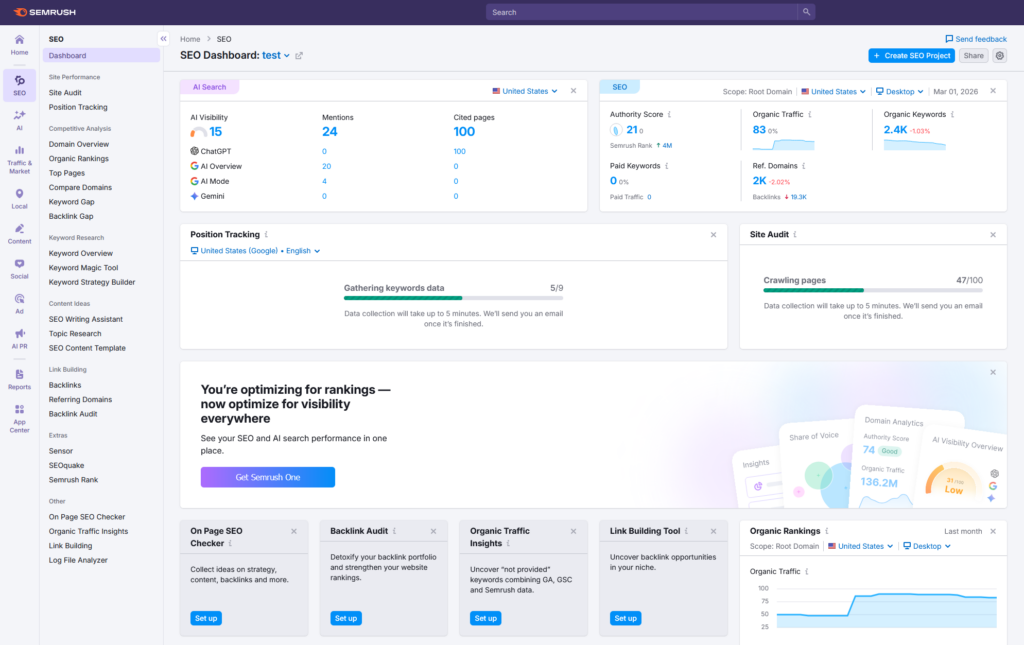
Semrush includes a site audit tool that also supports JavaScript rendering.
While Semrush is better known for keyword research and competitor analysis, its site audit feature can crawl websites and detect technical SEO issues.
JavaScript rendering helps ensure the audit reflects what actually appears after the page loads.
BeamUsUp Crawler
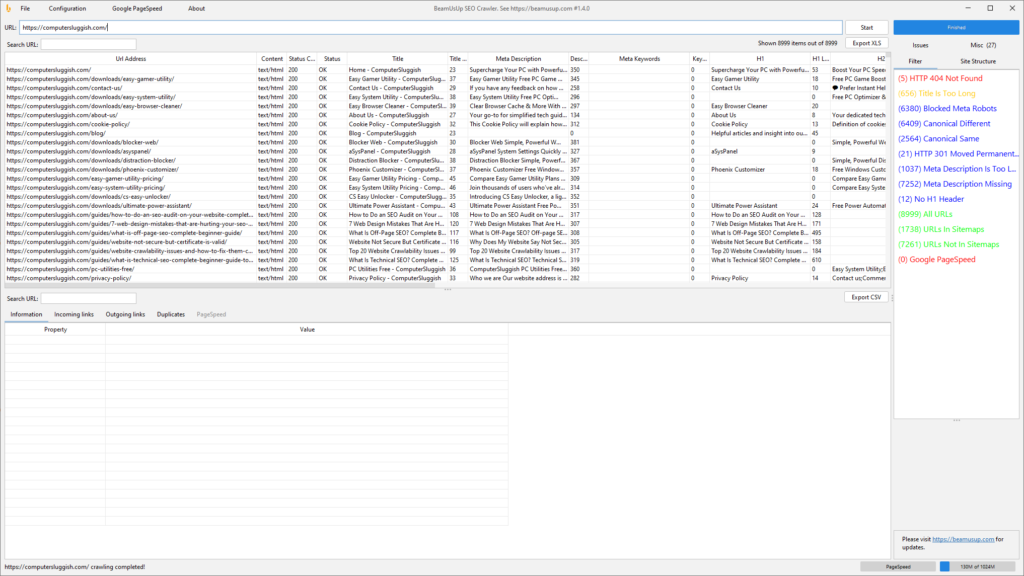
BeamUsUp was once a popular desktop crawler for technical SEO audits.
It focused on simple site crawling and was easy to use for beginners. However, it did not include advanced JavaScript rendering, which limits its usefulness for modern JavaScript-heavy websites.
Many people who previously used BeamUsUp now look for crawlers that support rendering.
When You Should Use a JavaScript SEO Crawler
You don’t always need JavaScript rendering enabled when crawling a site.
If your website is built with a traditional CMS and most content appears in the raw HTML, a standard crawl usually works fine.
However, rendering becomes important if your site uses modern frameworks or loads content dynamically.
For example if your site uses:
- React
- Angular
- Vue
- single page applications
then running a rendered crawl can help reveal content that might otherwise be hidden.
A Simple Way to Test Your Website
One thing I often recommend is doing a quick comparison test.
Run one crawl without rendering and another crawl with rendering enabled.
If both crawls show the same content and links, your site is probably fine.
If the rendered crawl suddenly shows more information, then JavaScript may be affecting how your pages are crawled.
This is one of the easiest ways to spot hidden SEO issues.
Final Thoughts
JavaScript has become a normal part of modern web development, but it can sometimes hide important SEO signals from crawlers that only read raw HTML.
Using a crawler that supports JavaScript rendering helps reveal how your pages look after scripts execute.
Tools like CrawlRhino SEO Crawler, Screaming Frog, and others make it possible to crawl JavaScript websites and detect issues that might otherwise go unnoticed.
If your site relies heavily on JavaScript, testing how it behaves with a rendered crawl is a good habit to get into.