
Creating a website is one of the most important steps for any nonprofit organisation. A well-designed website allows charities to share their mission, attract supporters, recruit volunteers, and accept donations online.
Fortunately, there are many platforms available that allow organisations to build websites for nonprofit organizations without needing advanced technical knowledge.
Below are some of the best website builders for nonprofit organizations, including both free and paid options.
Best Website Builders for Nonprofit Organizations
1. WordPress
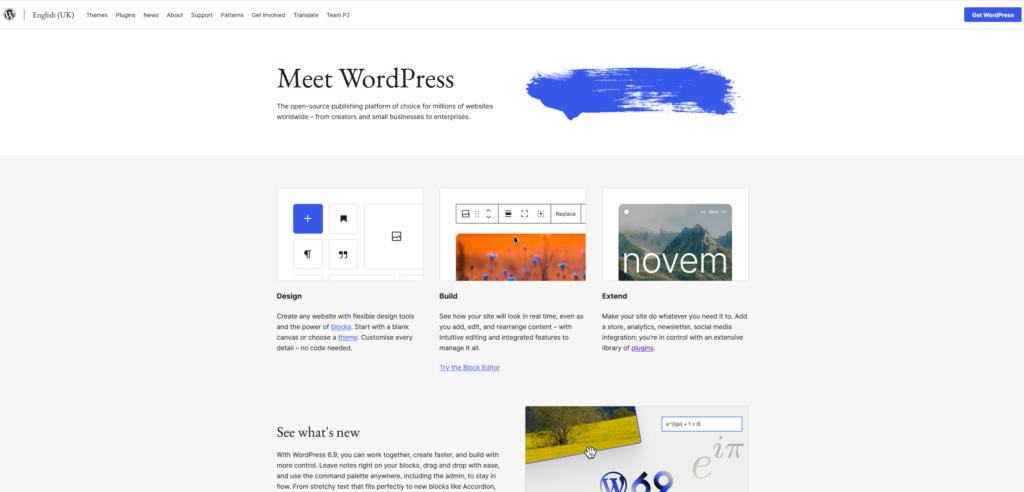
WordPress is one of the most popular platforms for building websites for nonprofit organizations, and for good reason. It powers a huge percentage of websites worldwide and offers a level of flexibility that most website builders simply cannot match.
Many charities choose WordPress because it allows them to add powerful features using plugins. For example, donation plugins like GiveWP or Charitable allow organisations to accept online donations, run fundraising campaigns, and even set up recurring monthly contributions.
Another major advantage is that WordPress is excellent for SEO. Charities that want to reach new supporters through search engines often find that WordPress websites perform very well when properly optimised.
However, WordPress does require some setup. Organisations need to choose hosting, install plugins, and occasionally manage updates. While it is extremely powerful, some charities prefer simpler platforms if they do not have someone comfortable managing a website.
Pros
- Highly customizable
- Excellent SEO capabilities
- Thousands of plugins available
- Can scale as the organisation grows
Cons
- Requires hosting and setup
- Maintenance and updates are needed
- May require some technical knowledge
2. Wix
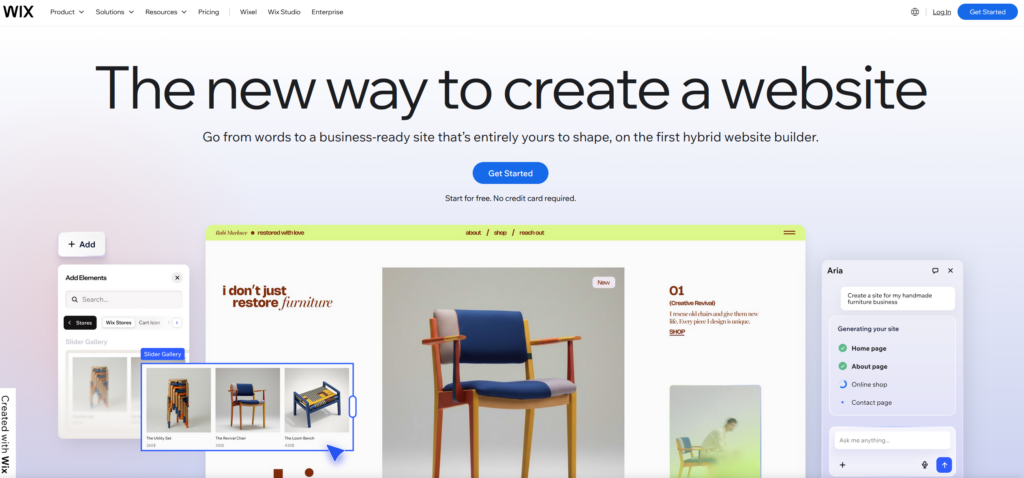
Wix is a well-known website builder that allows organisations to create websites using drag-and-drop tools. It’s particularly popular with smaller charities that want to launch a website quickly without needing technical skills.
The platform includes several templates designed specifically for nonprofit organisations. These templates often include sections for donations, volunteer opportunities, and project updates, which helps charities get started quickly.
Another benefit of Wix is that everything is handled within the platform. Hosting, security, and updates are managed automatically, meaning charities do not need to worry about the technical side of running a website.
That said, Wix websites can become restrictive as organisations grow. While the drag-and-drop builder is easy to use, it does not offer the same flexibility as open platforms like WordPress.
Pros
- Very beginner friendly
- Drag-and-drop website builder
- Hosting and maintenance included
- Charity templates available
Cons
- Limited customization compared to WordPress
- Some SEO limitations
- Not ideal for complex fundraising tools
3. Squarespace
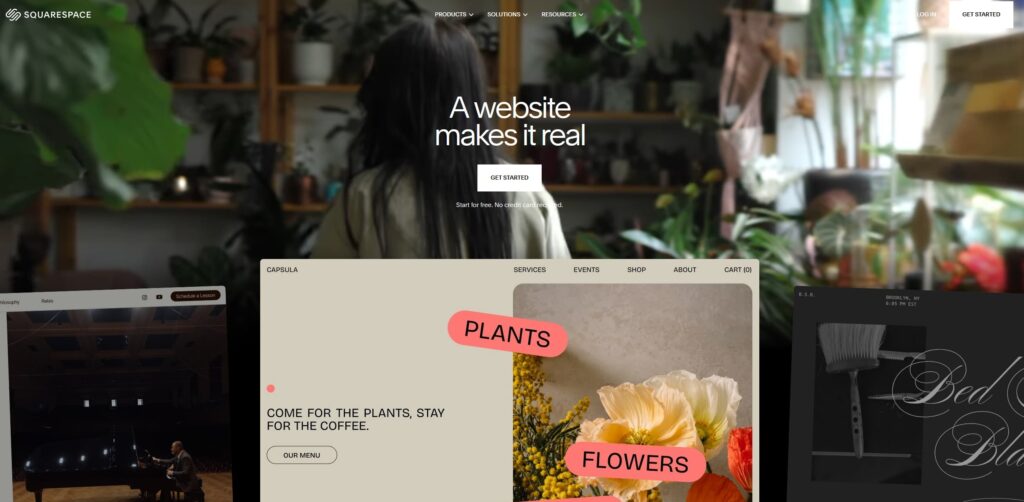
Squarespace is another website builder known for its modern design templates and polished layouts. Many nonprofits choose Squarespace because it allows them to create visually appealing websites without needing design experience.
The platform provides a clean editing interface where organisations can easily update content, publish blog posts, and manage images. This can be particularly useful for charities that want to regularly share updates about projects, fundraising events, or community initiatives.
Squarespace also includes built-in hosting, security, and analytics tools, making it a convenient all-in-one platform.
However, the trade-off for simplicity is flexibility. While Squarespace works well for simple websites, it can be restrictive if a charity needs advanced donation systems or custom integrations.
Pros
- Professional design templates
- Simple content management
- Hosting included
- Easy to maintain
Cons
- Limited customization
- Fewer fundraising integrations
- Less flexible than WordPress
4. Weebly
Weebly is another beginner-friendly website builder that allows organisations to create simple websites quickly. Like Wix, it uses a drag-and-drop interface that makes it easy to add text, images, and contact forms.
For smaller charities or local community organisations, Weebly can be a practical option for launching a basic website without much setup.
One advantage of Weebly is that it is very easy to learn. Volunteers or team members with limited technical experience can manage the website without much training.
However, Weebly is not as powerful as other platforms when it comes to customization or advanced features. Charities that want more complex functionality may eventually outgrow the platform.
Pros
- Easy to learn
- Beginner friendly interface
- Affordable pricing
- Simple website management
Cons
- Limited design flexibility
- Fewer plugins and integrations
- Not ideal for large organisations
5. Webflow
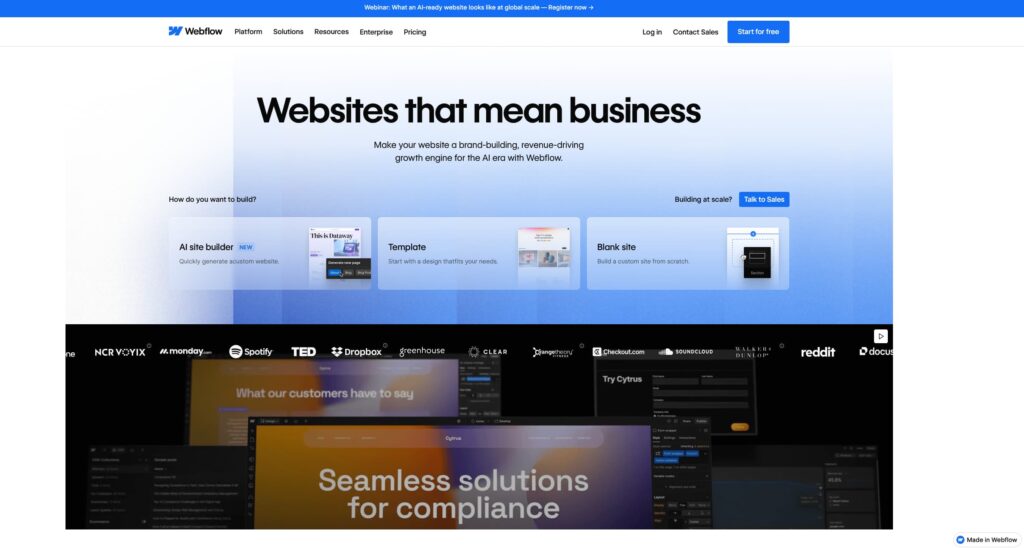
Webflow is a more advanced website builder that gives users far more control over design compared to traditional drag-and-drop platforms.
It is often used by designers who want to create highly customised websites without needing to build everything from scratch with code. For charities that care about visual design and branding, Webflow can produce very impressive results.
Another advantage of Webflow is that it generates clean, fast websites, which can help with performance and SEO.
However, Webflow has a steeper learning curve than most website builders. It is generally better suited to people with some design or web development experience.
Pros
- Powerful design control
- High performance websites
- Professional layouts
- Strong visual customization
Cons
- Learning curve for beginners
- Higher cost than simple builders
- Not as beginner friendly
6. Shopify (For Charity Merchandise)
Some charities raise funds by selling merchandise such as clothing, accessories, or branded products. In these cases, Shopify can be a useful platform because it is designed specifically for online stores.
Shopify provides secure payment processing, inventory management tools, and integrations with shipping services. This makes it easy for charities to sell products and support their cause through ecommerce.
However, Shopify is primarily built for online stores rather than traditional charity websites. Most organisations would still need a separate website to explain their mission and projects.
Pros
- Excellent ecommerce tools
- Secure payment systems
- Reliable platform
- Easy product management
Cons
- Designed mainly for online stores
- Monthly subscription costs
- Not ideal as a full charity website
7. Joomla
Joomla is an open-source content management system similar to WordPress. It offers a good balance between flexibility and control, which can make it suitable for organisations that need more advanced functionality.
Some nonprofits use Joomla for managing large websites with multiple sections and complex content structures.
However, Joomla has a smaller ecosystem than WordPress, which means there are fewer extensions and resources available.
Pros
- Flexible content management
- Open-source platform
- Good for larger websites
Cons
- Smaller community than WordPress
- Requires technical knowledge
- Fewer plugins available
8. Drupal
Drupal is another open-source platform that is often used by large organisations, universities, and government institutions.
It is known for its strong security and ability to handle complex websites with many users and large amounts of content.
Because of its complexity, Drupal is usually managed by experienced developers rather than beginners.
Pros
- Highly secure platform
- Extremely flexible
- Suitable for large organisations
Cons
- Steep learning curve
- Requires experienced developers
- Not beginner friendly
9. GoFundMe Charity Platforms

Some charities rely on fundraising platforms such as GoFundMe to launch donation campaigns quickly. These platforms can be useful for short-term fundraising efforts or specific projects.
However, relying entirely on fundraising platforms can limit how much control a charity has over branding, messaging, and supporter relationships.
For this reason, many organisations use these platforms alongside their own website rather than as a complete replacement.
Pros
- Easy to launch campaigns
- Quick donation setup
- No technical knowledge required
Cons
- Limited customization
- Platform fees may apply
- Less control over branding
10. Custom Websites for Nonprofits
While website builders can be useful for getting started, many charities eventually require features that templates cannot easily provide.
Custom websites allow organisations to create donation systems, fundraising pages, volunteer management tools, and integrations that are specifically designed around their needs.
Some developers even provide free website design for non profit organizations to support charities that may not have the budget for professional development.
For example, services such as Timeless Web Builders specialise in website design for charity organizations and offer free website design for eligible nonprofit organisations.
Check Timeless Web Builders out here: https://timelesswebbuilders.co.uk/web-design-for-charities/
Final Thoughts Website Builders for Nonprofit Organizations
Choosing the right website builder depends on the needs of the organisation. Smaller charities may benefit from simple website builders that allow them to launch quickly, while larger nonprofits may require more advanced functionality.
Regardless of the platform used, having a well-structured website for nonprofit organizations can help charities increase donations, reach more supporters, and promote their mission effectively.