
How to Fix 404 Errors on Your Website
A 404 error is one of the most common problems website owners face. If you’ve ever clicked a link and seen a message saying “404 page not found”, it means the page no longer exists or cannot be found.
404 errors can confuse visitors and stop search engines like Google from crawling your website properly. If too many broken pages exist, it can affect your website’s SEO and prevent pages from appearing in search results.
The good news is that 404 errors are easy to find and fix once you know how.
This guide explains what 404 errors are, why they happen, how to find them, and how to fix them properly.
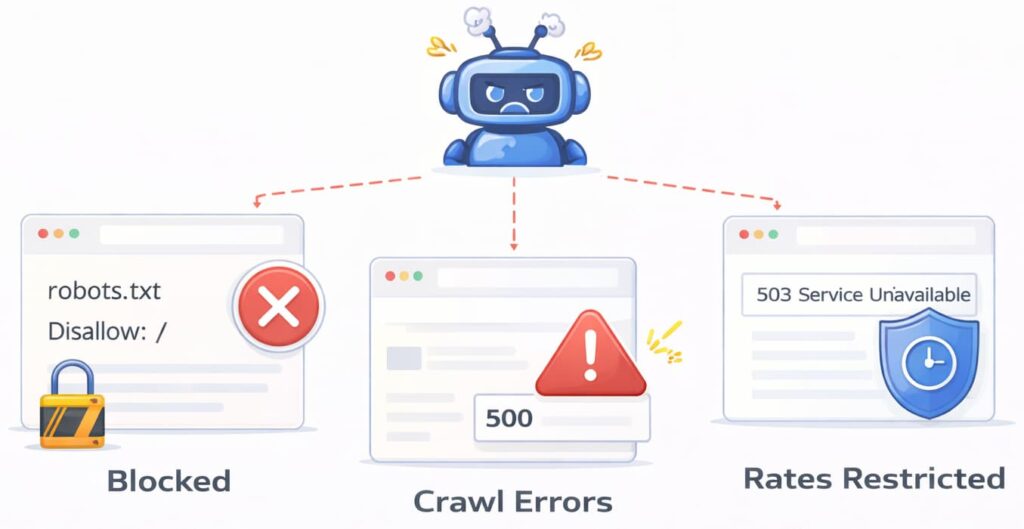
What Is a 404 Error
A 404 error means the page cannot be found on your website.
The browser was able to reach your website, but the specific page does not exist.
For example, if someone visits:
yourwebsite.com/services-old
but that page was deleted or moved, they will see a 404 error.
This is also called a “page not found” error.
This is normal and happens on almost every website at some point.
However, too many 404 errors can cause problems.
Why 404 Errors Are Bad for SEO
Search engines use links to crawl your website.
If Google finds many broken pages, it may stop crawling some parts of your website.
This can prevent your pages from being indexed.
404 errors can cause:
Poor crawlability
Indexing problems
Lost search traffic
Bad user experience
Visitors may leave your website if they see error pages.
Fixing 404 errors helps search engines crawl your website properly.
Common Causes of 404 Errors
404 errors happen for many simple reasons.
The most common causes include:
Pages were deleted
URLs were changed
Website structure was changed
Website redesign
Incorrect links
Typing mistakes in URLs
For example, if you rename a page but don’t update the links, the old links will show a 404 error.
This is very common.
How to Find 404 Errors on Your Website
The easiest way to find 404 errors is using a website crawler.
A crawler scans your website and checks every link.
It shows which pages are broken.
Some popular tools include:
CrawlRhino SEO Crawler
Google Search Console
Ahrefs Site Audit
Semrush Site Audit
Screaming Frog SEO Spider
These tools show broken pages and crawl errors clearly.
Google Search Console is free and shows 404 errors Google has found.
Ahrefs and Semrush also provide detailed reports.
CrawlRhino SEO Crawler scans your website and shows broken pages in a simple format, helping you find problems quickly.
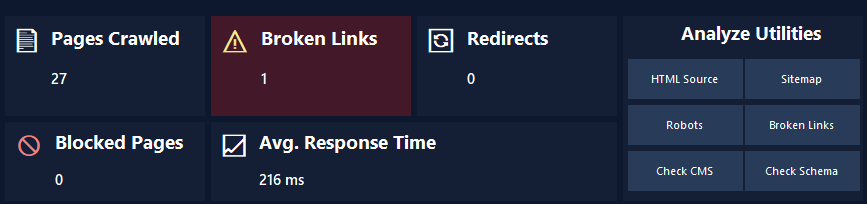
You can download CrawlRhino SEO Crawler here:
https://crawlrhino.com/crawlrhino-seo-crawler/
How to Find 404 Errors in Google Search Console
Google Search Console shows crawl errors Google has found.
Open Google Search Console.
Go to indexing or pages section.
Look for pages marked as not found or 404.
This shows which pages Google cannot access.
You can then fix them.
This is one of the most reliable ways to find broken pages.
How to Fix 404 Errors
There are several ways to fix 404 errors.
The correct method depends on the situation.
Option 1: Redirect the Broken Page
This is usually the best solution.
If the page was moved, you can redirect the old URL to the new one.
This sends users and search engines to the correct page.
This improves SEO and user experience.
Option 2: Restore the Missing Page
If the page was deleted by mistake, you can restore it.
This removes the 404 error completely.
This is useful if the page still has value.
Option 3: Update the Broken Link
If the link itself is wrong, update it.
Replace it with the correct URL.
This fixes the problem.
Option 4: Remove the Broken Link
If the page no longer exists and is not needed, remove the link.
This prevents users from seeing errors.
Example of Fixing a 404 Error
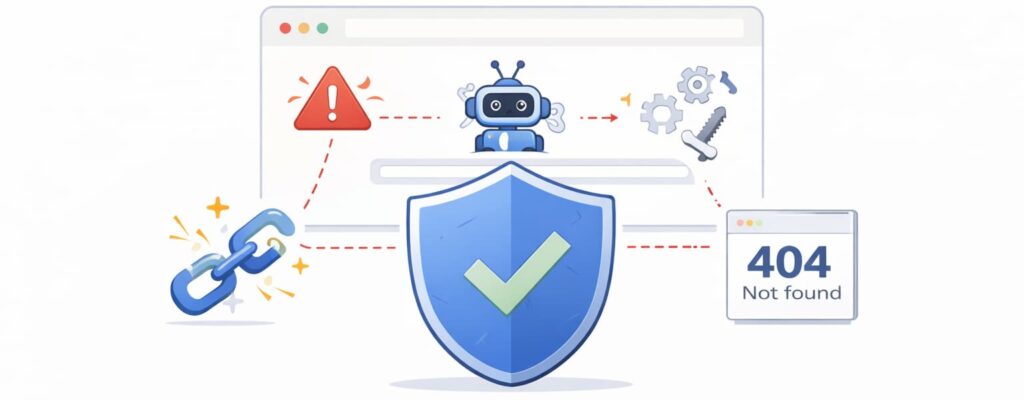
If this page no longer exists:
yourwebsite.com/old-page
But the correct page is:
yourwebsite.com/new-page
You can create a redirect.
This sends visitors to the correct page.
This fixes the error.
How to Fix 404 Errors in WordPress
WordPress websites often have 404 errors after changes.
You can fix them by:
Updating links
Restoring pages
Using redirect plugins
Redirect plugins allow you to easily redirect broken pages.
This helps fix crawl errors.
How to Find 404 Errors Using CrawlRhino SEO Crawler
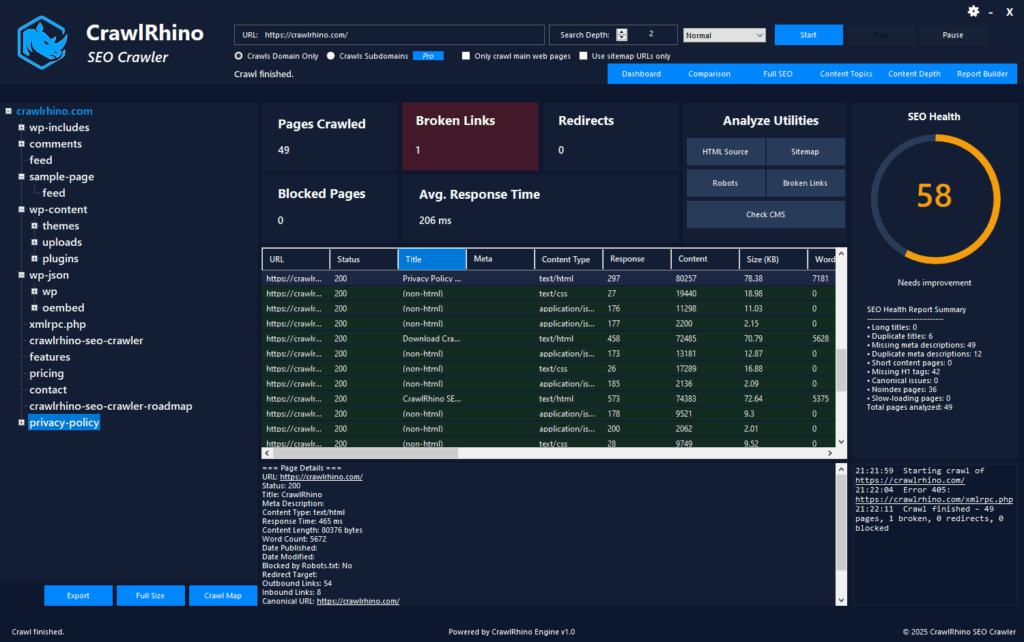
CrawlRhino SEO Crawler scans your website and identifies broken pages.
It shows:
404 errors
Broken links
Missing pages
Crawl errors
This helps you fix problems quickly.
You can see exactly which pages are broken.
This improves crawlability.
You can download CrawlRhino SEO Crawler here:
https://crawlrhino.com/crawlrhino-seo-crawler/
How to Find 404 Errors Using Ahrefs or Semrush
Ahrefs Site Audit shows broken pages and crawl errors.
Semrush Site Audit also identifies 404 errors.
These tools are useful for large websites.
They provide detailed crawl reports.
Google Search Console should also be used alongside these tools.
Using multiple tools helps ensure nothing is missed.
Do 404 Errors Always Need Fixing
Not all 404 errors are bad.
If a page was intentionally removed and no links point to it, it may not need fixing.
However, if broken links exist on your website, they should be fixed.
Broken internal links should always be fixed.
These affect crawlability.
How to Prevent 404 Errors
You can reduce 404 errors by checking your website regularly.
Scan your website for broken links.
Fix problems quickly.
Update links when pages change.
Avoid deleting important pages without redirects.
Regular maintenance prevents crawl errors.
Why Fixing 404 Errors Helps SEO
Fixing 404 errors improves crawl efficiency.
Search engines can crawl your website more easily.
This helps improve indexing.
Better crawlability helps improve search visibility.
This makes it easier for users to find your website.
Final Thoughts
404 errors are very common and easy to fix.
They happen when pages are moved, deleted, or linked incorrectly.
Fixing broken pages helps search engines crawl your website properly.
This improves SEO and user experience.
Tools such as Google Search Console, CrawlRhino SEO Crawler, Ahrefs, and Semrush help identify broken pages.
Checking your website regularly helps prevent crawl problems.
Fixing 404 errors ensures your website stays healthy and visible in search results.