
How to Index Your Website on Google (Complete Beginner Guide)
If your website is live but not showing on Google, it usually means one thing: your website has not been indexed yet.
Indexing is the process where Google adds your website to its database so it can appear in search results.
Until your website is indexed, nobody will find it through Google Search.
This guide explains exactly how to index your website on Google, why websites don’t get indexed, and how to fix it quickly. Everything is explained in simple terms, even if you have no technical experience.
This guide also shows how to use CrawlRhino SEO Crawler to check your website and fix indexing problems faster.
What Does It Mean to Index Your Website on Google
When Google indexes your website, it stores information about your pages.
This allows your website to appear when someone searches.
For example, if someone searches for your business name or services, Google can show your website.
If your website is not indexed, it will not appear at all.
Many people confuse crawling and indexing. Crawling is when Google visits your website. Indexing is when Google stores your website in its search database.
Your website must be crawled first before it can be indexed.
This is why checking crawl access is so important.
Tools like CrawlRhino SEO Crawler help confirm Google can crawl your website correctly.
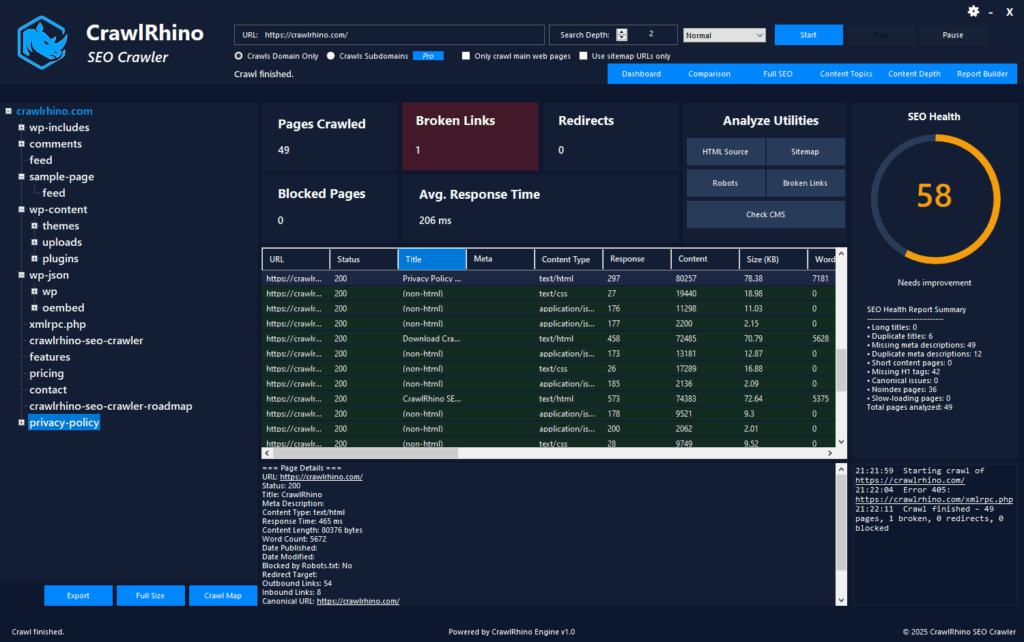
You can download CrawlRhino SEO Crawler here:
https://crawlrhino.com/crawlrhino-seo-crawler/
How to Check if Your Website Is Indexed by Google
Before fixing anything, you should check whether your website is already indexed.
Open Google and search:
site:yourwebsite.com
Replace yourwebsite.com with your real domain name.
If your pages appear, your website is indexed.
If nothing appears, your website is not indexed yet.
This is very common, especially for new websites.
You should also check individual pages, not just your homepage.
CrawlRhino SEO Crawler helps you see all pages on your website and identify pages that may not be indexed.
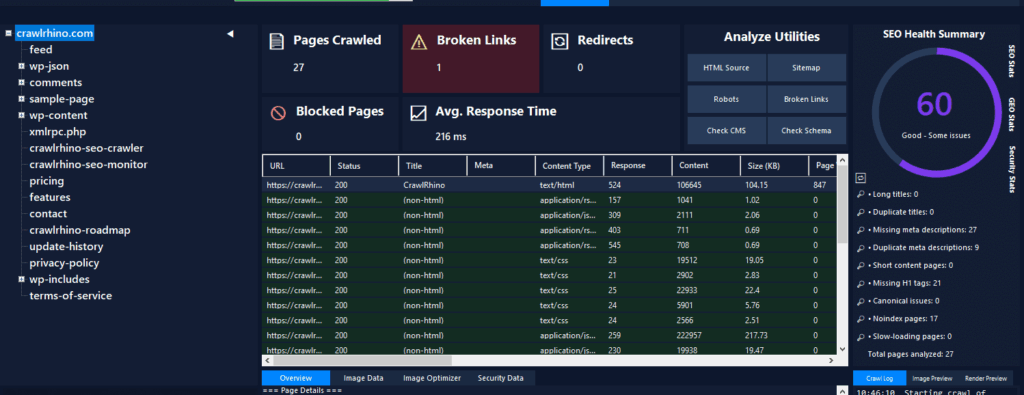
You can download CrawlRhino SEO Crawler here:
https://crawlrhino.com/crawlrhino-seo-crawler/
Why Google Is Not Indexing Your Website
There are several common reasons Google may not index your website.
Your website is new and Google has not discovered it yet. Your website is blocking Google from crawling it. Your pages contain noindex instructions. Your website has crawl errors. Your website has no links pointing to it. Your website has technical SEO problems.
Most websites have at least one of these problems.
The good news is they are usually easy to fix.
Step 1: Make Sure Google Can Crawl Your Website
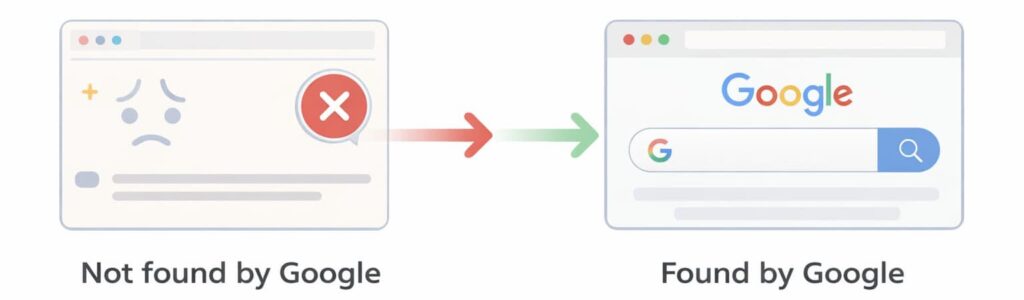
Google must crawl your website before it can index it.
If Google cannot crawl your website, it cannot index it.
This is one of the most important checks.
Your website may be blocking Google using robots.txt, incorrect settings, or technical problems.
CrawlRhino SEO Crawler scans your website and shows exactly which pages Google can crawl and which pages are blocked.
This helps you fix crawl problems quickly.
Many website owners don’t realise their website is blocking Google until they run a crawl.
Step 2: Submit Your Website to Google
You can ask Google to index your website using Google Search Console.
Google Search Console is a free tool from Google.
You can submit your website and request indexing.
This helps Google discover your website faster.
This is especially useful for new websites.
Many people search for how to submit your website to Google for indexing. This process helps speed up indexing, but it will only work if your website has no crawl problems.
You should always check your website first using CrawlRhino SEO Crawler to ensure Google can access your pages.
Step 3: Make Sure Your Website Is Not Blocking Google
Some websites accidentally block Google.
This can happen through robots.txt or noindex settings.
These settings tell Google not to index your website.
This is very common on WordPress websites or sites that were in development.
CrawlRhino SEO Crawler detects these problems automatically and shows which pages are blocked.
Fixing these problems allows Google to index your website.
Step 4: Make Sure Your Website Has No Crawl Errors
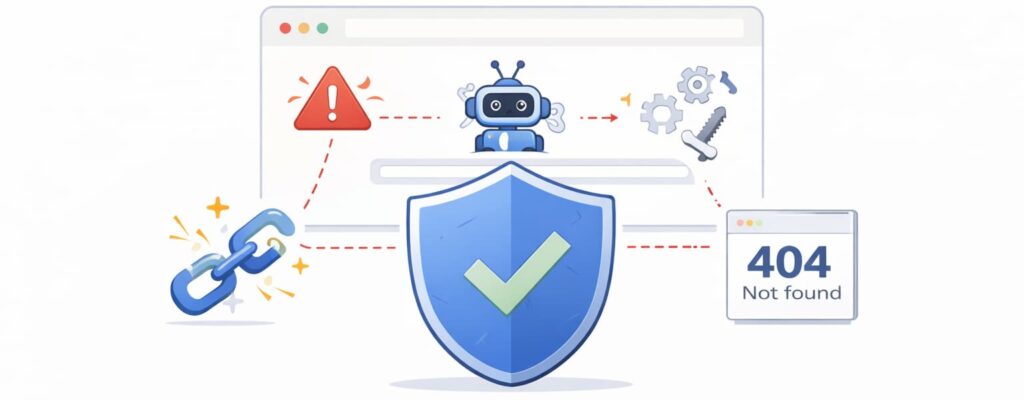
Google cannot index pages that return errors.
Examples include broken pages, missing pages, or server errors.
These problems stop Google from indexing your website.
CrawlRhino SEO Crawler finds crawl errors and broken pages so you can fix them.
Fixing crawl errors improves indexing and helps your website appear on Google faster.
Step 5: Add Links to Your Website
Google discovers websites by following links.
If no websites link to yours, Google may never find it.
This is one reason why many websites are not indexed.
You should add links from places like your social media profiles, business directories, and other websites.
Even a few links help Google discover your website.
This helps Google crawl your site and add it to its index.
Step 6: Make Sure Your Website Has Proper Content
Google prefers websites with useful content.
Websites with very little content may not be indexed.
You should have basic pages such as your homepage, about page, and service pages.
Each page should clearly explain what your website offers.
CrawlRhino SEO Crawler helps you see all your pages and identify missing titles or descriptions that may affect indexing.
Step 7: Fix Technical SEO Problems
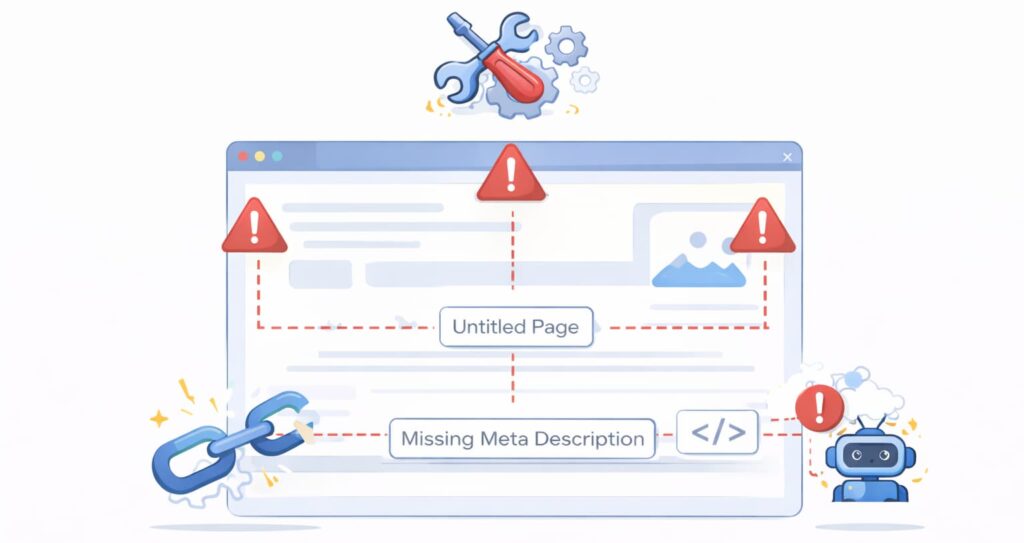
Technical SEO problems can prevent indexing.
These include broken links, redirect problems, and missing page information.
Most website owners are unaware of these problems.
CrawlRhino SEO Crawler finds these problems automatically.
Fixing these issues improves indexing and search visibility.
How to Get Google to Crawl Your Website Faster
Many people search for how to get Google to crawl your site or how to force Google to crawl site pages.
The best way is to make sure your website is crawlable and error free.
Google prefers websites that are easy to crawl.
Using CrawlRhino SEO Crawler ensures your website is accessible and helps speed up indexing.
You cannot force Google instantly, but you can make your website easy for Google to crawl and index.
Why Some Pages Are Not Indexed by Google
Sometimes only certain pages are not indexed.
This can happen if pages are blocked, broken, or not linked properly.
Google may also ignore pages with little content.
CrawlRhino SEO Crawler helps identify pages that may not be indexed and shows crawl problems affecting those pages.
Fixing these issues improves indexing.
How CrawlRhino SEO Crawler Helps Index Your Website on Google
CrawlRhino SEO Crawler scans your website and shows exactly what Google sees.
It helps you identify crawl problems, blocked pages, broken links, and technical issues.
This helps ensure your website can be indexed properly.
Many indexing problems are invisible unless you use a crawler.
CrawlRhino SEO Crawler makes it easy to fix indexing problems and improve search visibility.
You can download CrawlRhino SEO Crawler here:
https://crawlrhino.com/crawlrhino-seo-crawler/
Quick Checklist to Index Your Website on Google
Make sure your website is live and accessible. Make sure Google is not blocked from crawling. Fix crawl errors and broken pages. Submit your website to Google. Add links pointing to your website. Make sure your website has useful content. Fix technical SEO problems.
CrawlRhino SEO Crawler helps you check and fix all of these.
Final Thoughts
If your website is not indexed by Google, it simply means Google has not added it to its database yet.
This is very common, especially for new websites.
The most important step is making sure your website can be crawled properly.
Once Google can crawl your website without problems, it can index it and show it in search results.
Using CrawlRhino SEO Crawler helps identify and fix indexing problems quickly, helping your website appear on Google faster.