
Visual SEO Studio Alternative for Windows 10 & Windows 11
Desktop SEO crawler tools have existed for many years, but they continue to play an important role in technical website analysis. While many modern SEO platforms have moved toward cloud dashboards and subscription services, desktop software still offers a level of speed, control, and transparency that many developers and website owners prefer.
One tool that frequently appears in discussions around desktop SEO software is Visual SEO Studio, a crawler designed to analyse websites locally and help identify technical optimisation issues. However, as workflows evolve and users look for different approaches to technical analysis, many begin searching for a Visual SEO Studio alternative — particularly tools better suited to modern Windows environments.
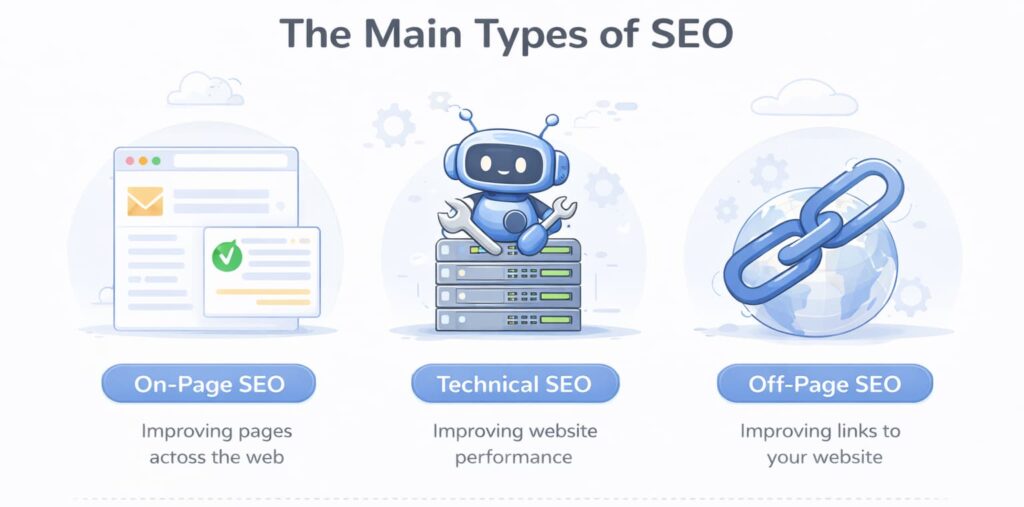
This guide explains what Visual SEO Studio does, where it fits within the SEO software landscape, and which alternatives provide a comparable desktop crawling experience.
What Visual SEO Studio is designed to do
Visual SEO Studio is a desktop-based SEO analysis tool focused on website crawling and technical auditing. Like other SEO spider software, it works by scanning a website page by page, collecting information about structure, metadata, and internal linking.

Rather than relying on external servers, the crawler runs locally on the user’s computer. This allows websites to be analysed directly using local resources, which can be useful for testing environments, development workflows, or one-off technical audits.
The software aims to provide insight into how search engines interpret websites by examining elements such as page titles, headings, links, and crawl paths. For users learning technical SEO or auditing smaller websites, this type of structured crawl analysis can reveal problems that are otherwise difficult to detect through manual browsing alone.
Visual SEO Studio has traditionally appealed to users who prefer standalone desktop tools rather than browser-based SEO platforms.
Why some users look for alternatives
While Visual SEO Studio remains a capable crawler, the broader SEO tooling landscape has changed significantly in recent years. Expectations around usability, performance, and workflow flexibility have evolved alongside modern website development practices.
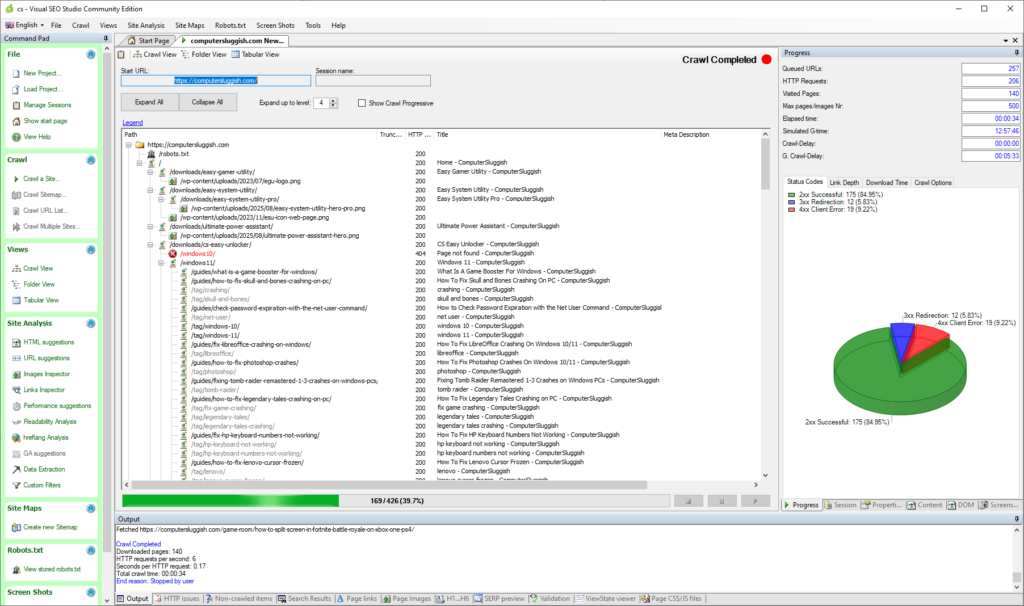
One common reason users explore alternatives is simply workflow preference. Some desktop crawlers emphasise detailed configuration and analysis layers, while others focus on faster setup and clearer data presentation. Neither approach is inherently better — they simply suit different types of users.
Another factor is operating environment. As Windows systems continue to dominate development and general desktop usage, many users specifically search for SEO tools designed with Windows workflows in mind, prioritising performance efficiency and straightforward installation.
There is also a growing preference for tools that balance accessibility with scalability — software that works well for everyday audits but can expand into more advanced technical analysis as requirements grow.
For these reasons, users often compare multiple desktop crawlers before settling on one that fits naturally into their workflow.
The role of desktop SEO crawlers today
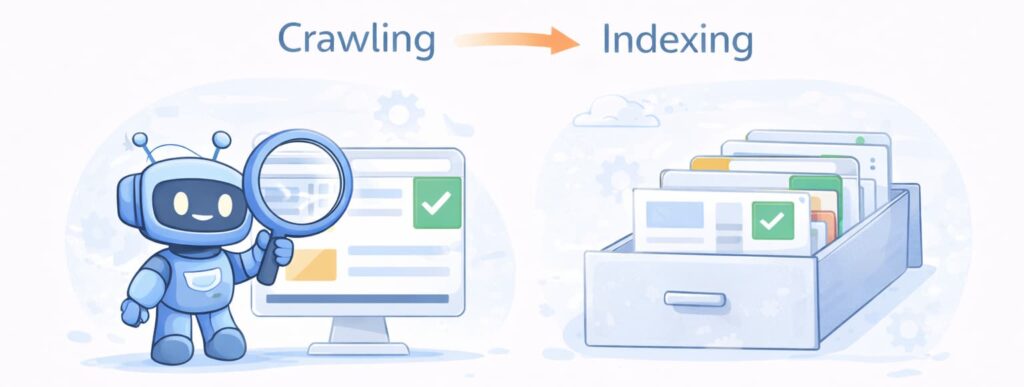
Despite the rise of cloud platforms like Ahrefs and Semrush, desktop crawlers remain widely used across the SEO industry. In fact, many professionals rely on desktop tools alongside cloud platforms rather than replacing them entirely.
Desktop SEO software offers several practical advantages. Because analysis runs locally, users maintain full control over crawl behaviour and performance. There is no dependency on external servers, account verification, or project setup before a scan can begin. For developers testing staging environments or auditing websites quickly, this immediacy can be particularly valuable.
Desktop crawlers also tend to provide a clearer view of raw technical data. Instead of abstract scoring systems, they expose structural details directly, allowing users to investigate issues more deeply.
This is why tools such as Screaming Frog, Visual SEO Studio, and newer desktop crawlers continue to maintain dedicated user bases even as cloud SEO platforms expand.
A modern Visual SEO Studio alternative: CrawlRhino SEO Crawler
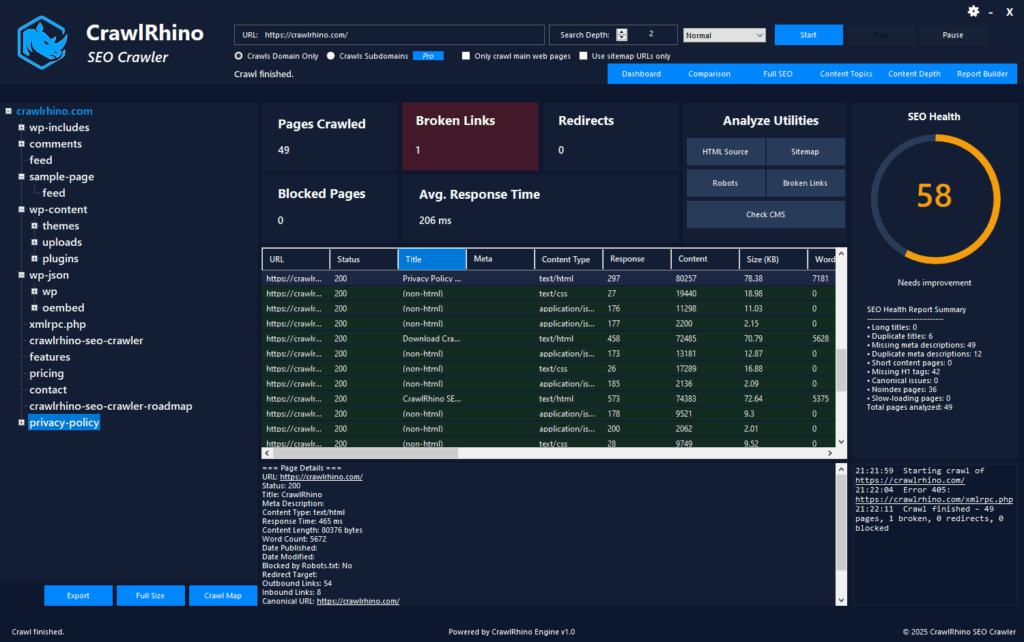
For Windows users looking for an alternative approach to desktop website crawling, CrawlRhino SEO Crawler provides a modern SEO crawler designed specifically for local technical analysis.
You can download CrawlRhino here:
https://crawlrhino.com/crawlrhino-seo-crawler/
Like Visual SEO Studio, CrawlRhino performs website crawling locally, scanning pages and collecting technical data about site structure and accessibility. The emphasis, however, is on delivering a streamlined workflow that allows users to begin analysing websites quickly without complex setup requirements.
The crawler examines key technical signals including response codes, metadata, internal links, and crawl depth, helping users understand how pages connect within a site and where structural issues may exist.
Because the analysis runs entirely on the user’s system, crawl performance scales with available hardware resources rather than remote processing limits. This makes it suitable for developers, website owners, and technical users who prefer direct control over website analysis.
A free version is available for core crawling tasks, while additional functionality can be unlocked through an optional paid version as analysis needs become more advanced.
Comparing workflow approaches
When comparing desktop SEO tools, differences often come down to workflow philosophy rather than feature lists.
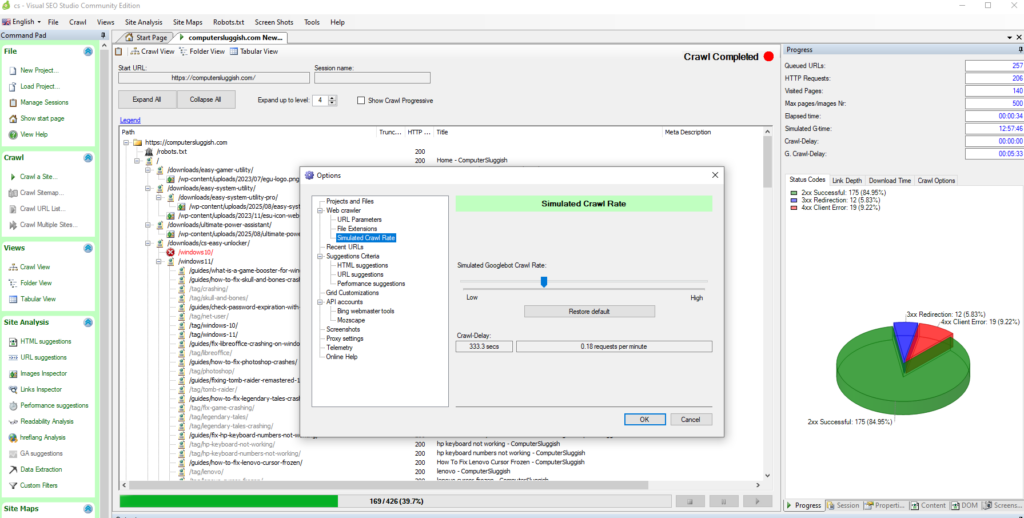
Visual SEO Studio leans toward detailed inspection and layered analysis, appealing to users who prefer exploring technical datasets in depth. CrawlRhino, by contrast, focuses on providing fast, practical insights that help users quickly understand website structure before moving into deeper optimisation work.
Both approaches achieve the same fundamental goal — replicating how search engines crawl a website — but the experience of reaching that insight differs depending on interface design and workflow priorities.
For many users, the deciding factor is how naturally a tool fits into regular use. A crawler that feels easy to use tends to be used more frequently, and consistent analysis often delivers greater SEO benefit than occasional deep audits.
Desktop crawlers vs cloud SEO platforms
It is also worth understanding how desktop tools differ from cloud-based SEO software more broadly.

Cloud platforms excel at ongoing monitoring, historical reporting, and combining multiple SEO datasets in one place. However, they typically require account setup, project configuration, and sometimes ownership verification before crawling can begin.
Desktop crawlers serve a different purpose. They allow immediate technical inspection without external dependencies, making them useful for quick diagnostics, development testing, or exploratory analysis.
Many professionals ultimately use both approaches together: desktop crawlers for technical discovery and cloud platforms for long-term performance tracking.
Choosing the right SEO crawler for your workflow
Selecting an SEO crawler is rarely about choosing the most feature-rich option. Instead, the best tool is the one that integrates naturally into how you work.
Users performing occasional audits may prioritise simplicity and speed, while agencies managing large websites might value extensive reporting systems. Developers often favour tools that provide direct access to technical data without additional layers of abstraction.
Trying different desktop crawlers is often the easiest way to determine which workflow feels most effective. Since most tools offer free versions or introductory tiers, experimentation plays a normal part in finding the right fit.
Final thoughts
Visual SEO Studio remains part of the long-standing ecosystem of desktop SEO crawlers that help users analyse websites locally and understand technical optimisation issues. However, as expectations around usability and workflow flexibility evolve, many users explore alternatives that align more closely with modern development environments.
Tools such as CrawlRhino SEO Crawler offer a contemporary approach to desktop website analysis, combining local crawling performance with an accessible workflow designed for both everyday audits and expanding technical requirements.
Ultimately, the most effective SEO tool is the one that encourages consistent analysis. Regular crawling helps uncover structural issues early, improves site health over time, and provides clearer insight into how search engines experience a website.