
A Cleaner, Easier Experience
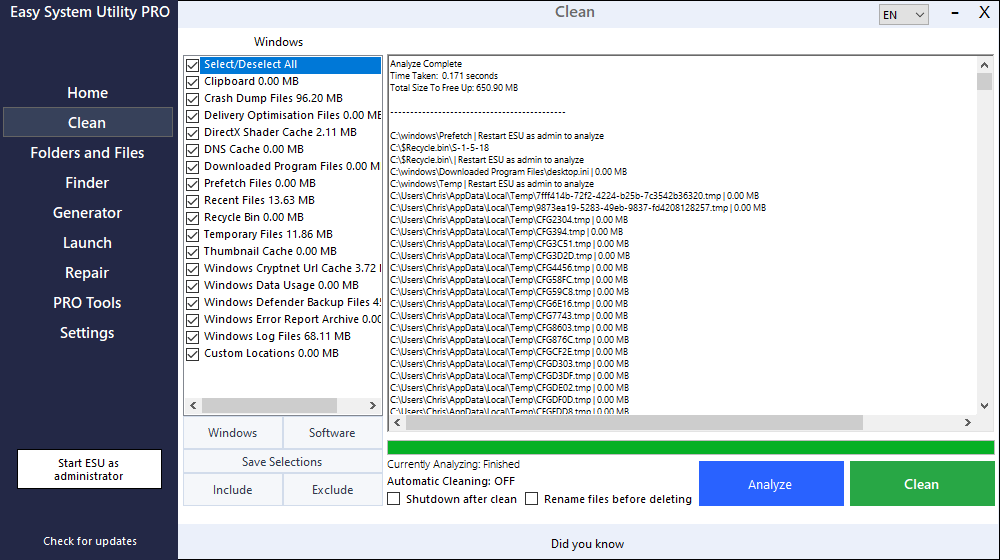
Version 1.1.54 of Easy System Utility focuses on improving what matters most — how the program looks and feels to use every day.
This update introduces a series of graphical interface improvements designed to make navigation clearer, actions easier to find, and the overall experience smoother for both new and existing users.
Rather than adding complexity, this release refines the existing tools to make system optimisation faster and more intuitive.
What’s New in Version 1.1.54
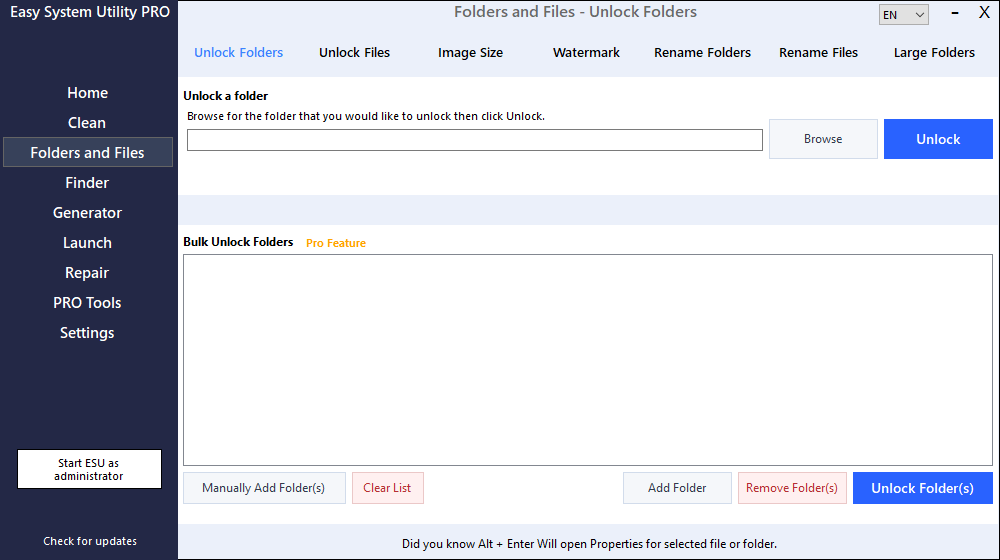
Interface & Design Improvements
- Updated user interface layout for a cleaner, more modern appearance
- Improved spacing and alignment across panels and controls
- Better visual hierarchy to help important tools stand out
- Enhanced readability with refined text and UI elements
Usability Enhancements
- Easier navigation between utility sections
- More intuitive placement of buttons and actions
- Reduced visual clutter for a simpler workflow
- Improved overall user experience across the application
Why This Update Matters
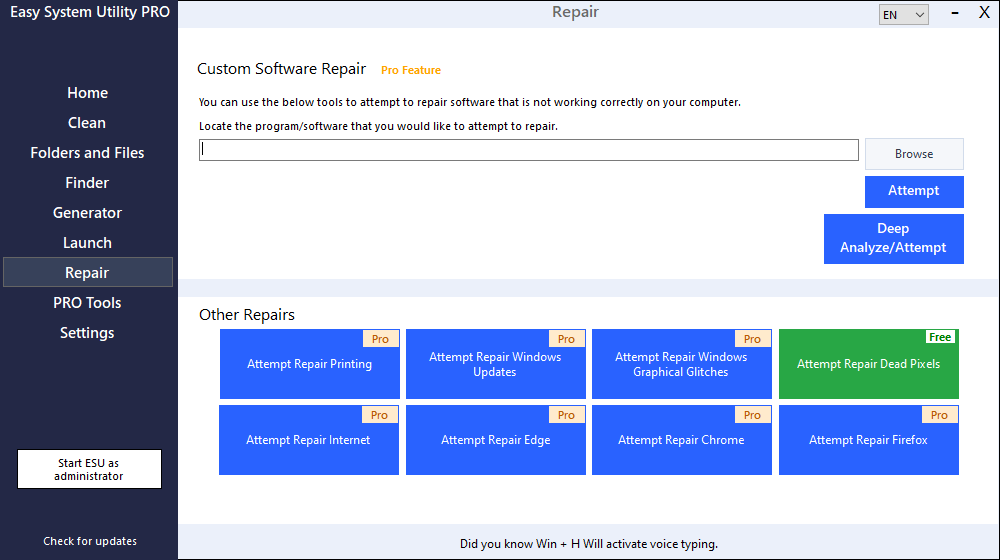
Easy System Utility is designed to make Windows maintenance simple and accessible. This update focuses on reducing friction — helping users quickly find what they need without unnecessary steps or confusion.
Small interface improvements can make a big difference in everyday use, and version 1.1.54 continues the move toward a more polished and user-friendly experience.
Ongoing Development
Development of Easy System Utility continues with a strong focus on:
- Performance improvements
- User experience refinements
- Stability updates
- New optimisation tools planned for future releases
Download Easy System Utility
You can download the latest version of Easy System Utility here: